Wedding Host FAQ for Soraiah
Wedding hosts usually ask the same practical questions before launch: how guests join, what appears on screen, and how much control the host keeps during the event. Here are the basics.
Do guests need an app?
No. Guests can join from the event QR code or link and open the upload page directly in the browser.
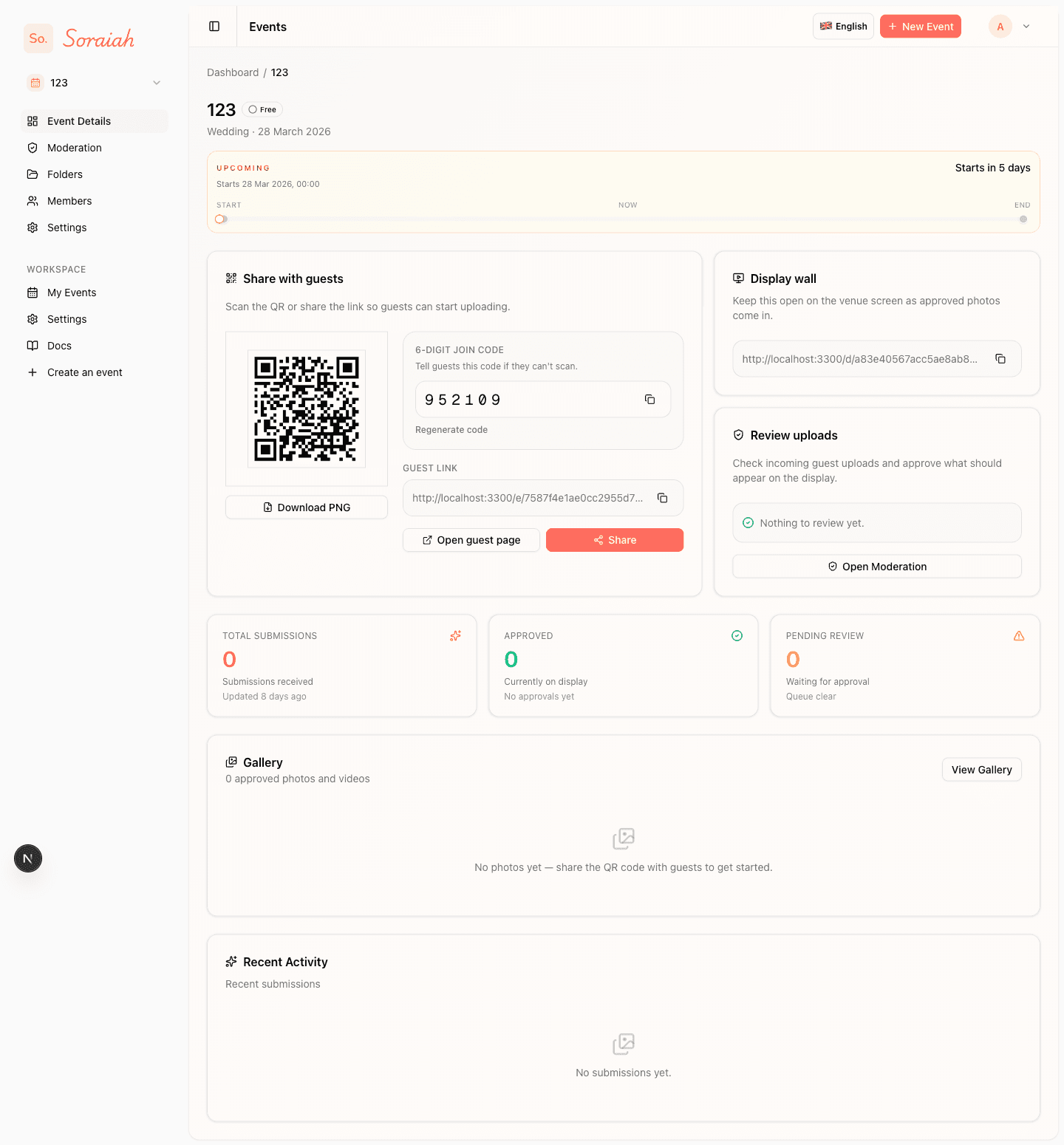
The simplest setup is still the best one: guests scan the code, open the page in their browser, and upload from there.
Can I review photos before they appear?
Yes. The moderation queue is there so the host team can approve or reject submissions before they are shown on the live display.
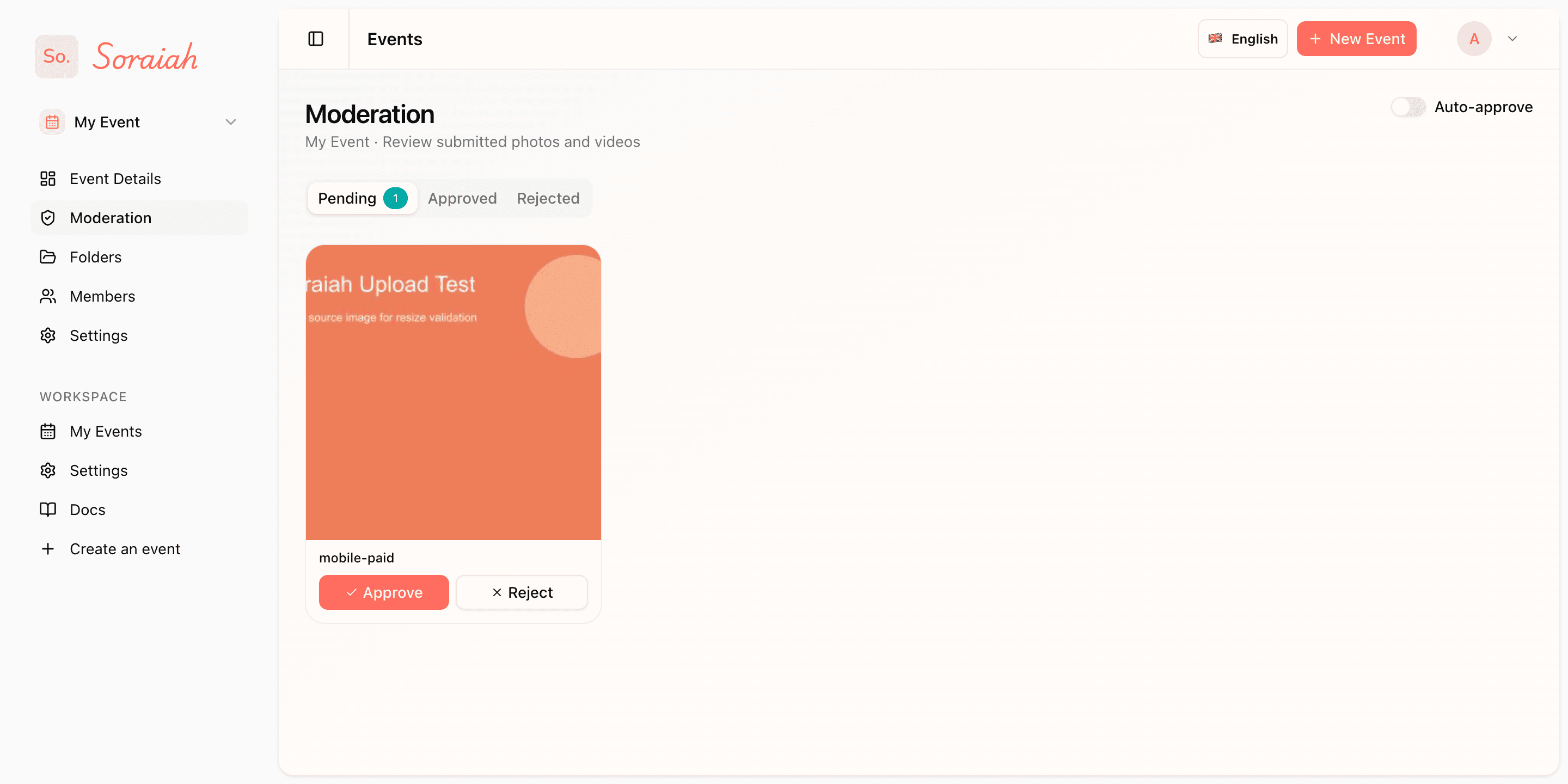
This screen is what gives the host control. Nothing needs to reach the venue display before you approve it.
When should I turn the display on?
Open the display before guests start actively scanning. That gives you time to verify the screen, test one upload, and avoid last-minute setup during the reception.
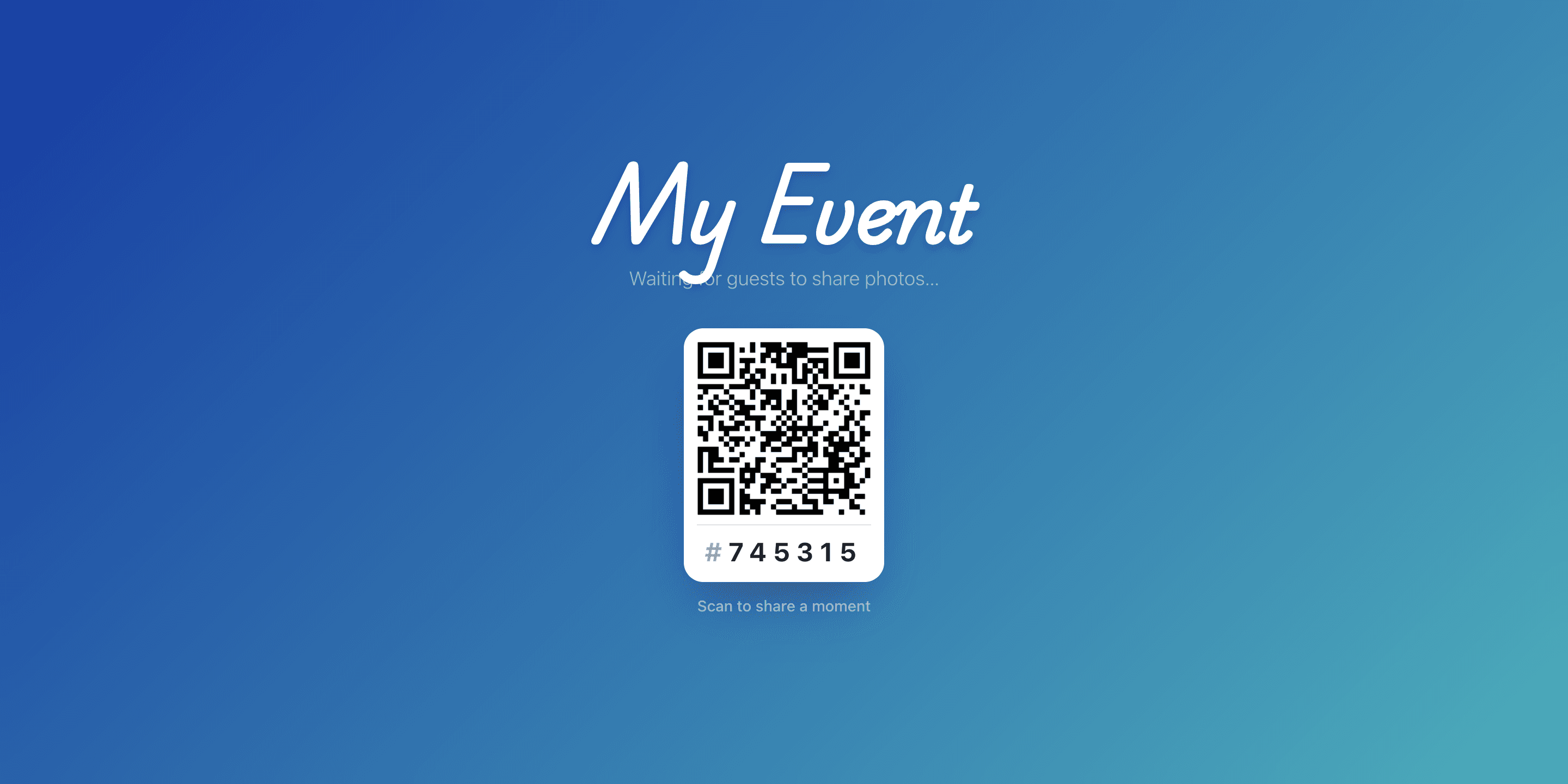
Treat the display like part of venue setup, not something to open after the room is already busy.
What should I put on tables or signage?
Use the event QR code and, if needed, the six-digit join code as a backup. Guests should be able to understand the action immediately: scan, upload, and see moments live.
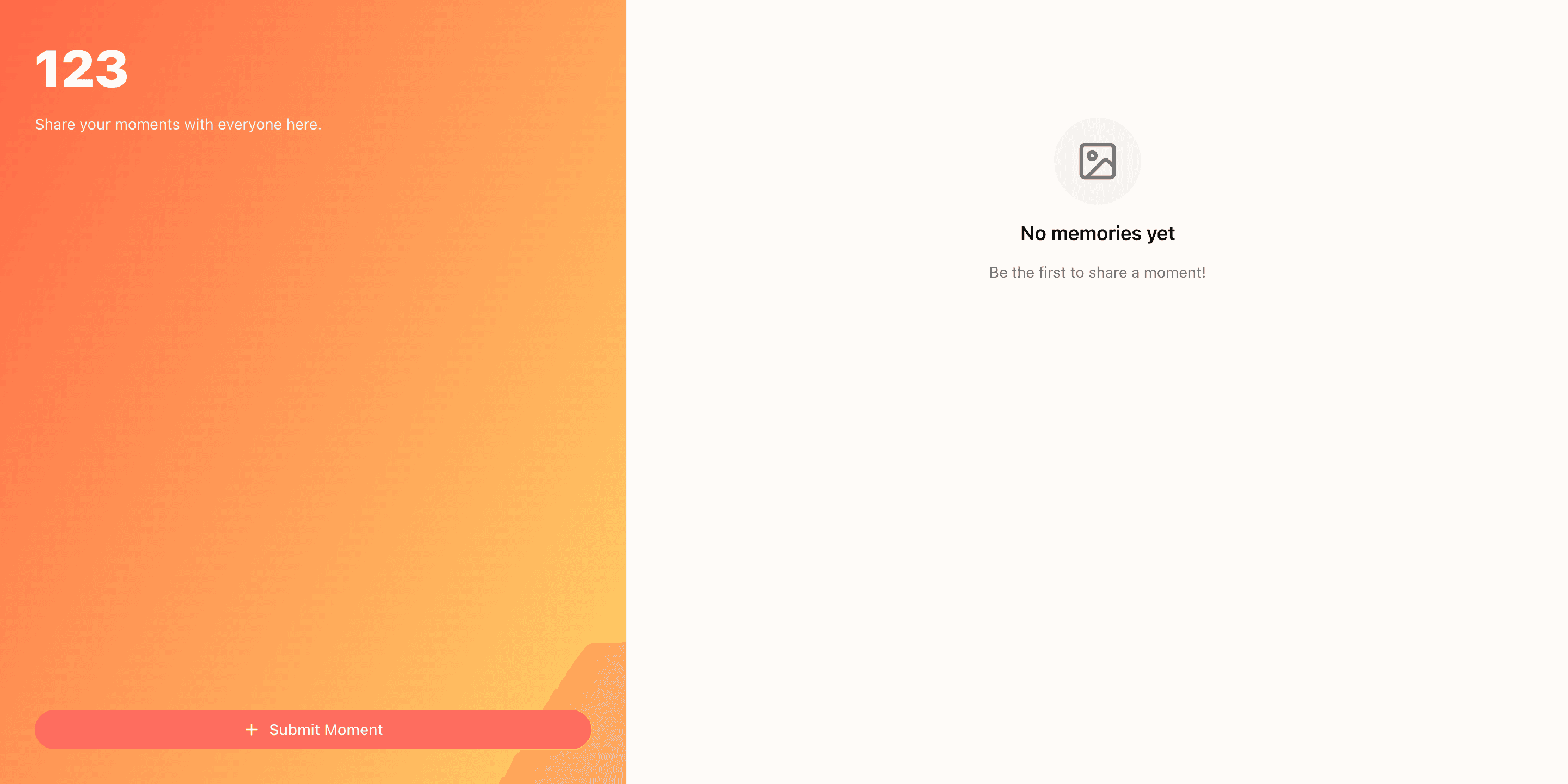
If your printed instructions match this flow, guest participation will feel obvious instead of explained.
Which plan should a wedding host choose?
That depends on the event size and how much control you need, but most hosted wedding flows should compare the available options before the event goes live.
Review the pricing, try the demo, or send your questions through contact.