How to Run Soraiah at a Wedding
Running Soraiah at a wedding works best when the host treats it like part of the event setup, not an extra task to figure out in the middle of service. A few decisions early on make the guest experience much smoother.
Start with the event setup
Create the event, confirm the date and timezone, and choose the wedding theme that fits the celebration. This is also the right time to confirm your plan, since event limits and duration should match how long you want the wall active.
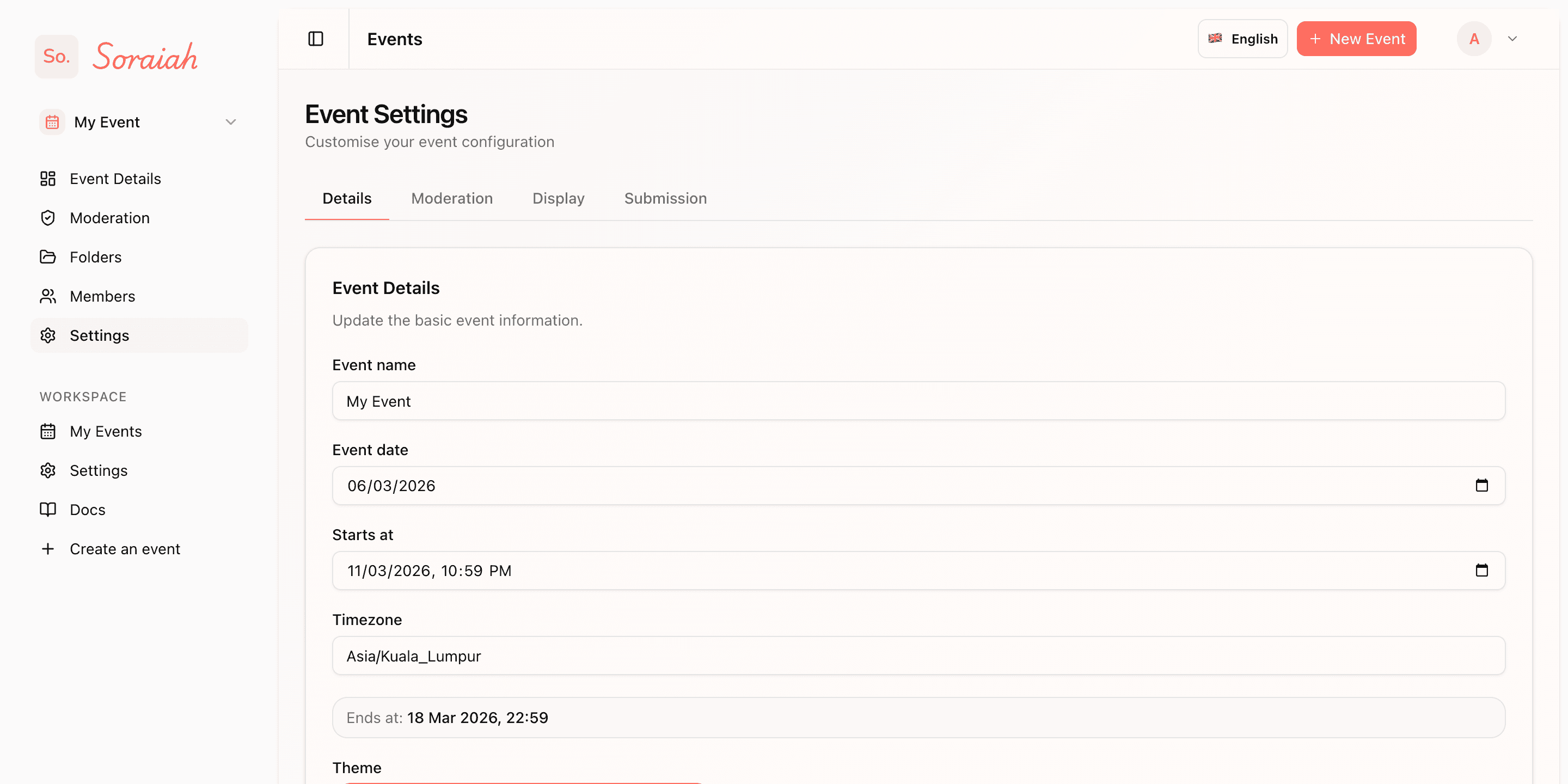
Check the event details before launch so the title, timing, and overall setup match the actual wedding schedule.
Prepare the guest entry points
Before the wedding starts, decide where guests will discover the upload flow. Good placements usually include reception tables, welcome signage, and any photo booth or guestbook area where people are already ready to participate.
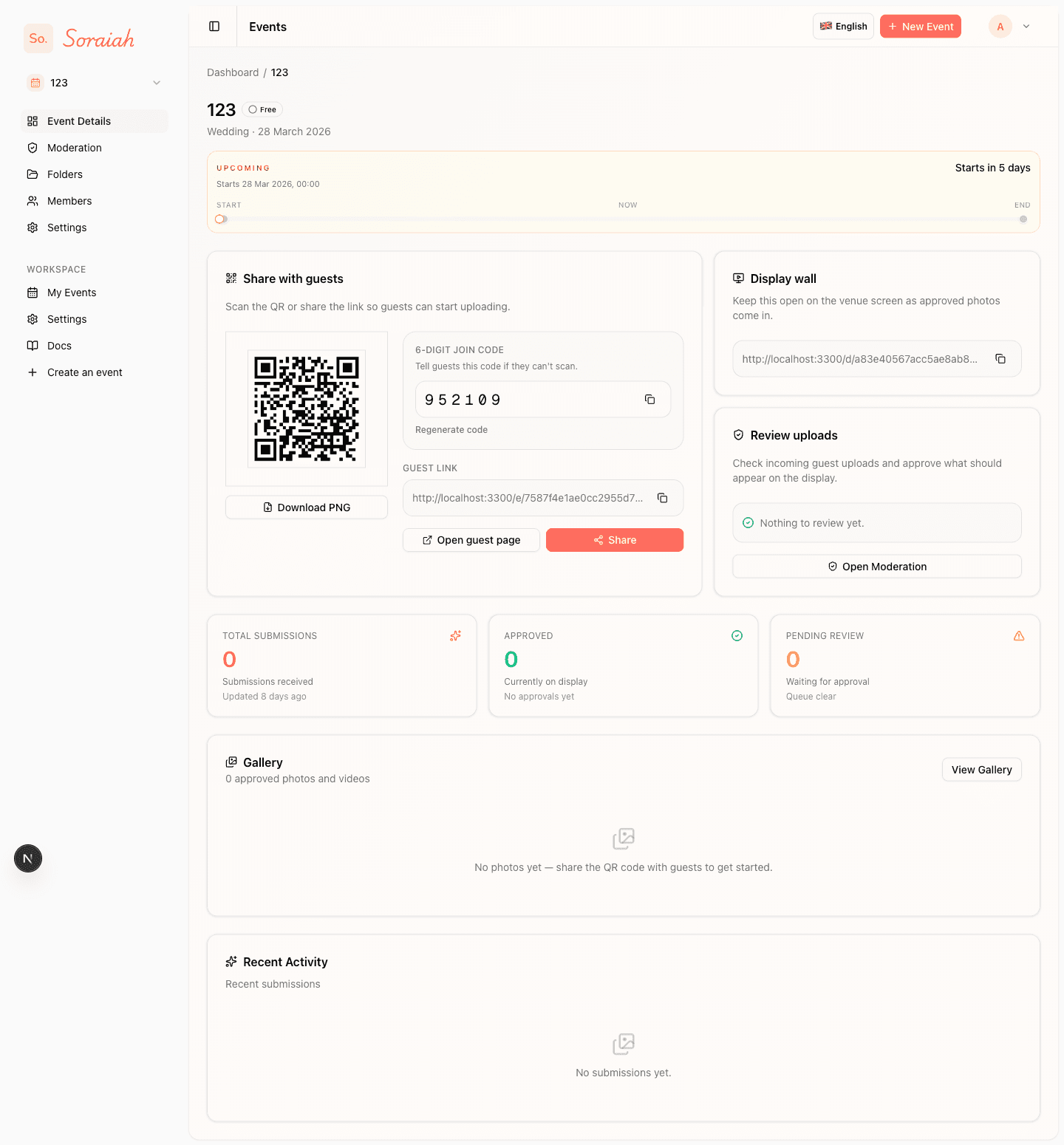
Use the event overview as your distribution source for the QR code, join details, and any quick instructions that need to go on printed signage.
Keep moderation ready during the event
You do not need a large team. One operator can usually review incoming moments and keep the queue moving. That is enough for most weddings where the goal is a clean, responsive stream rather than instant unfiltered posting.
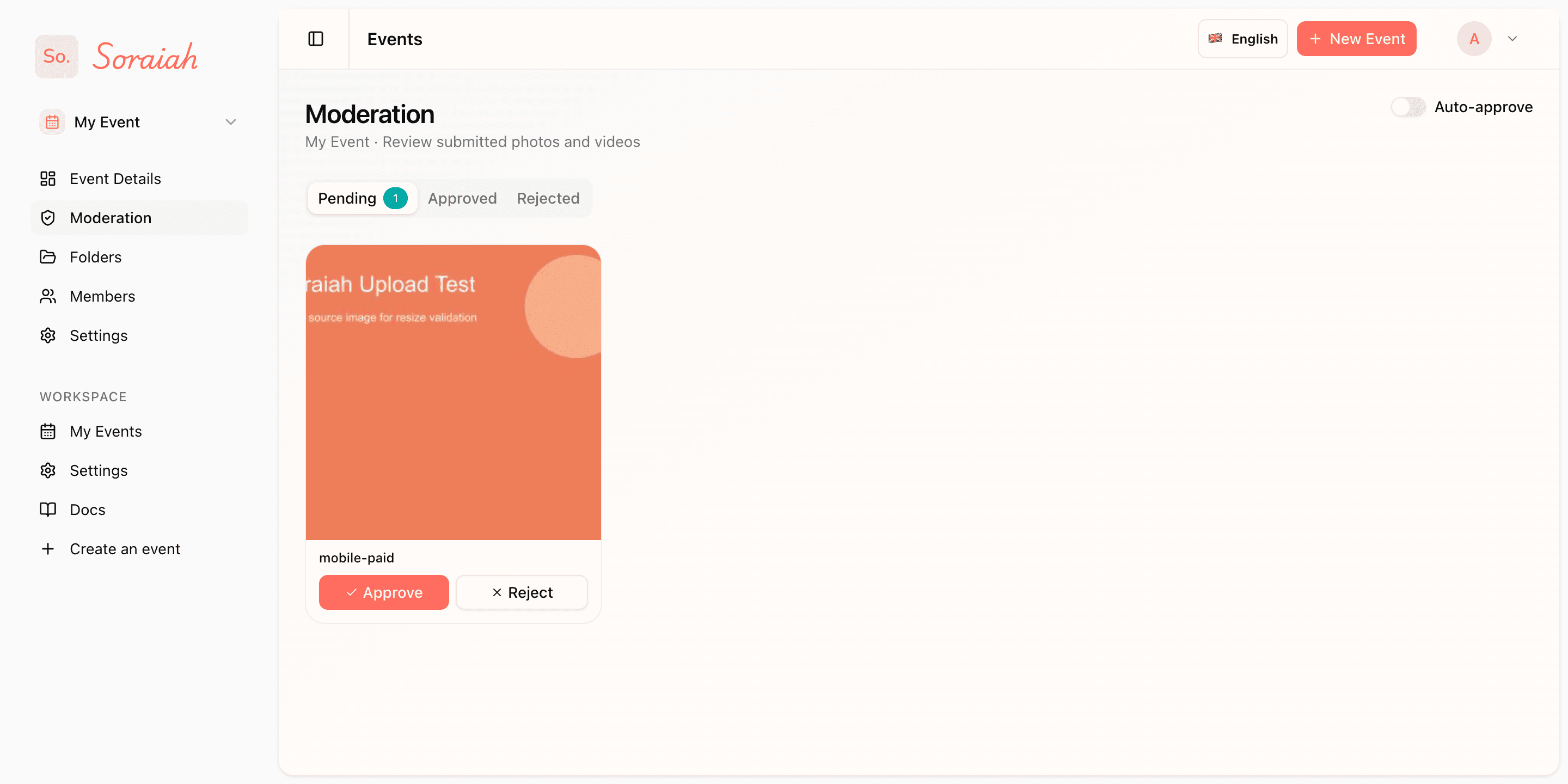
Assign one person to this screen so approvals stay fast and the display keeps moving without surprises.
Use the live screen intentionally
The display works best when it supports the energy of the room. Open it before the reception fills up, test one upload, and keep it visible during the parts of the wedding where guests naturally look up together.
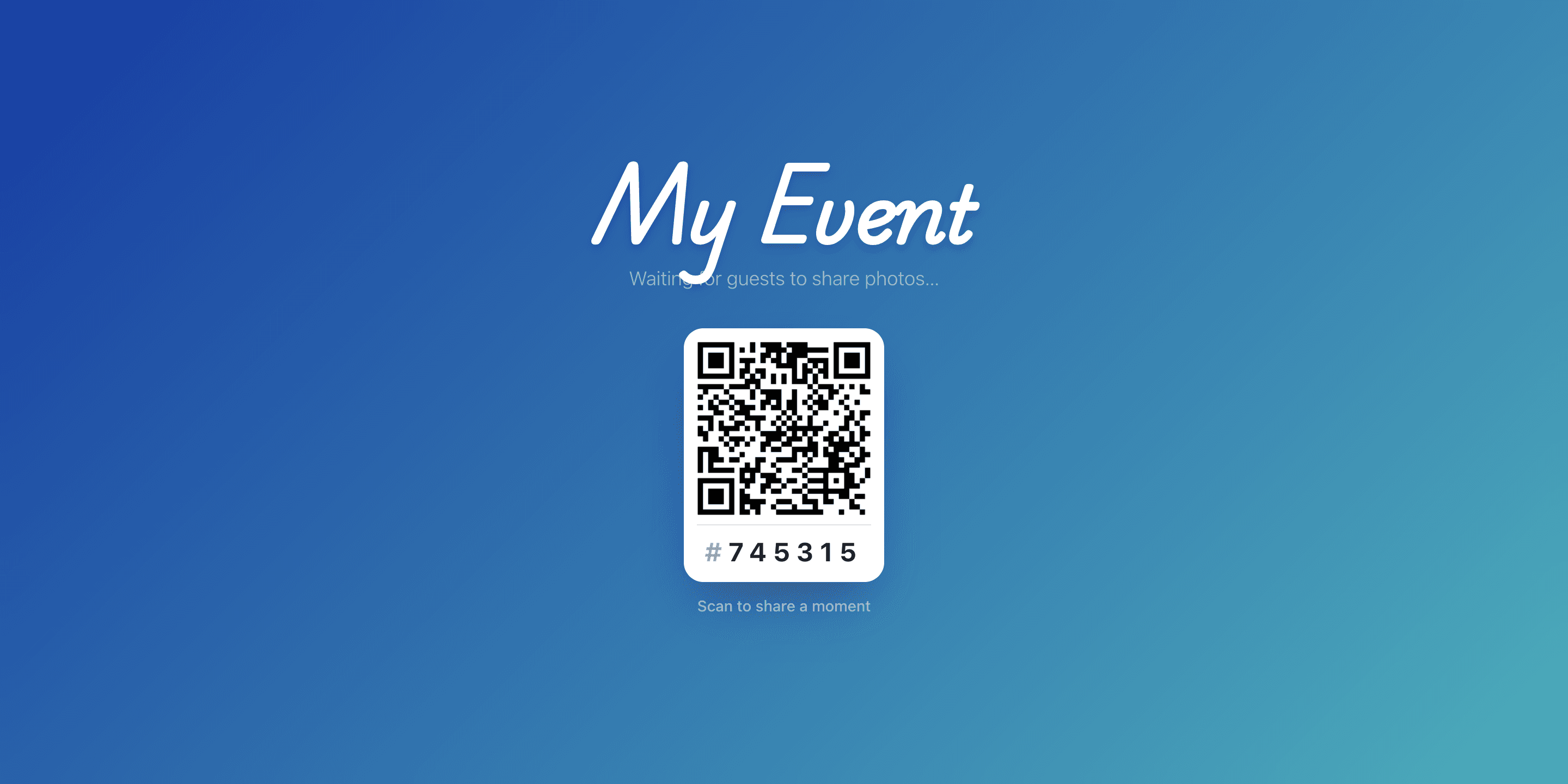
Run one test upload before guests arrive so you know the full path from QR scan to big-screen display is already working.
A simple wedding-day checklist
- Confirm event settings before guests arrive.
- Share the QR code at high-traffic spots.
- Test the upload page on one phone.
- Keep moderation open during key moments.
If you want to see the public flow first, start with the demo. If you need help choosing the right setup, use contact.