How a Wedding Photo Wall Works With Soraiah
The best wedding photo wall does not need much explanation. Guests should understand it in seconds, and the host team should be able to manage it without leaving the event floor.
Step 1: Guests scan or join
Each event has a dedicated upload link and join code. You can place the QR code on tables, at the entrance, or near the stage so guests can open the page as soon as they want to share a photo.
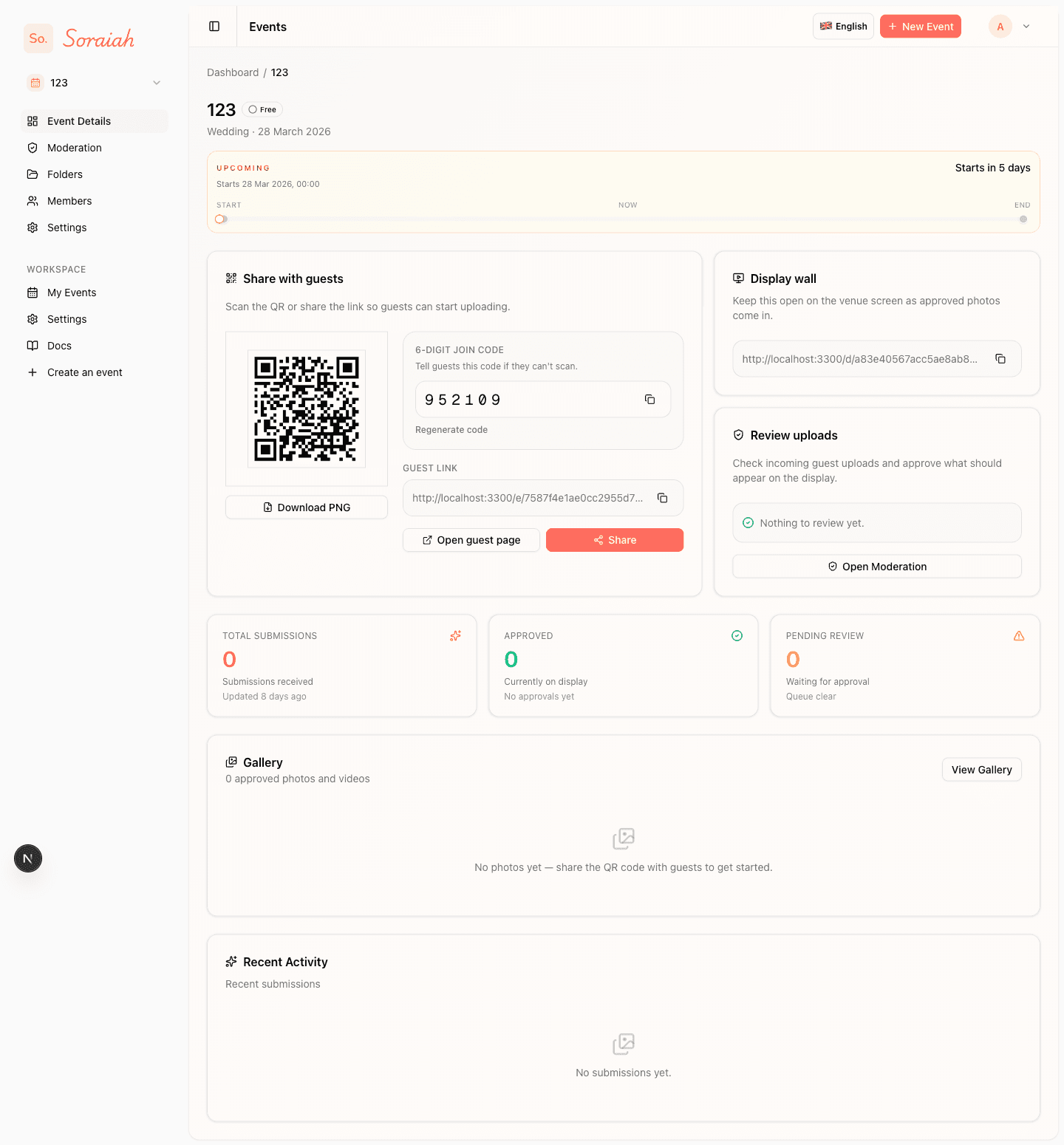
Start by sharing the event QR code where guests naturally pause, such as the entrance, table cards, or the photo booth area.
Step 2: Guests land on a focused upload page
The guest page keeps the action clear: share a moment for the event. That matters at weddings because people are often uploading between conversations, during table service, or while moving between ceremony and reception spaces.
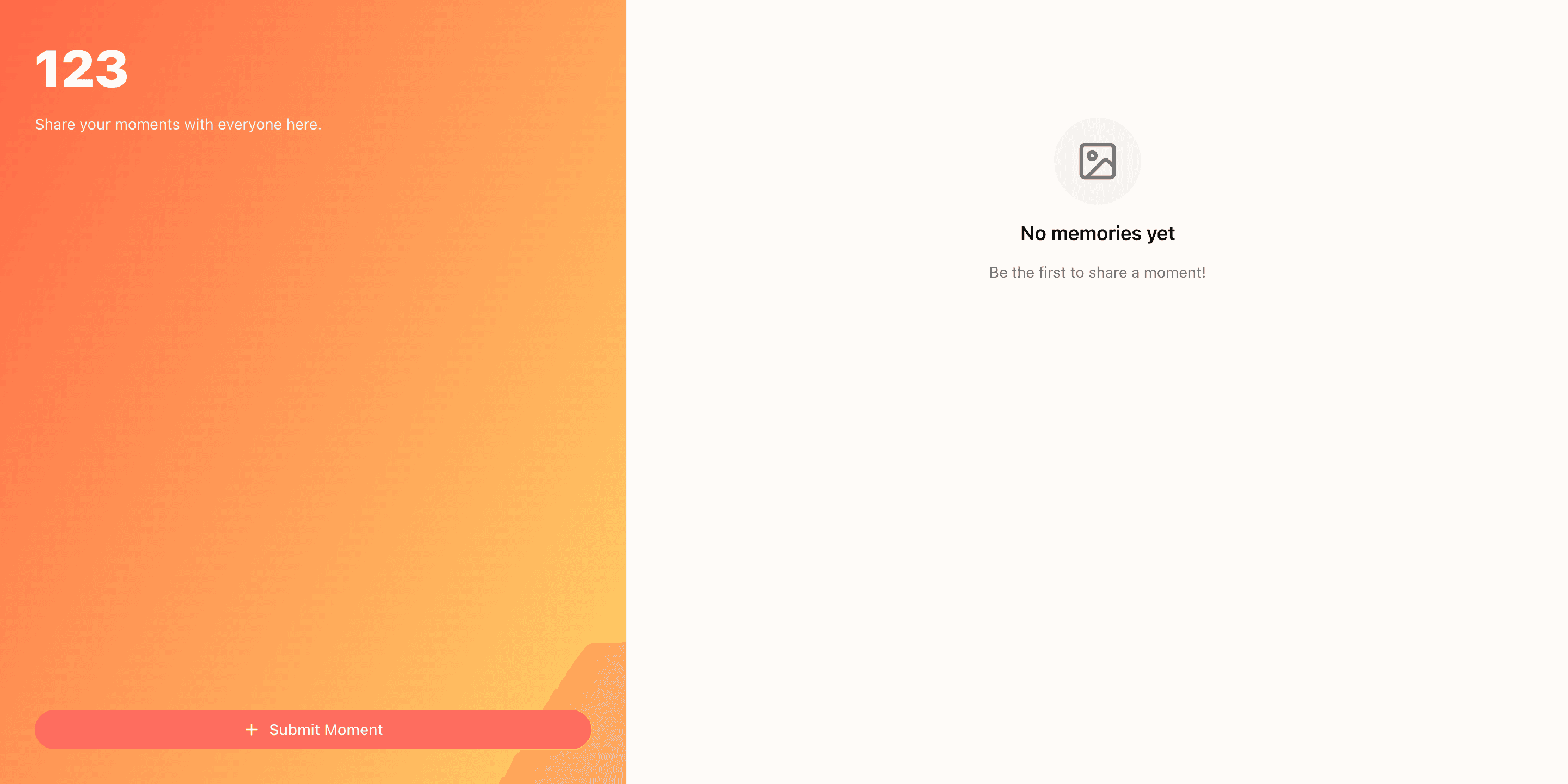
After scanning, guests should arrive on a simple upload screen with one obvious action: choose a photo and submit it.
Step 3: The host team reviews what comes in
Uploads appear in moderation, where the host can approve or reject them. This keeps the display aligned with the tone of the wedding and gives the organiser confidence before anything reaches the venue screen.
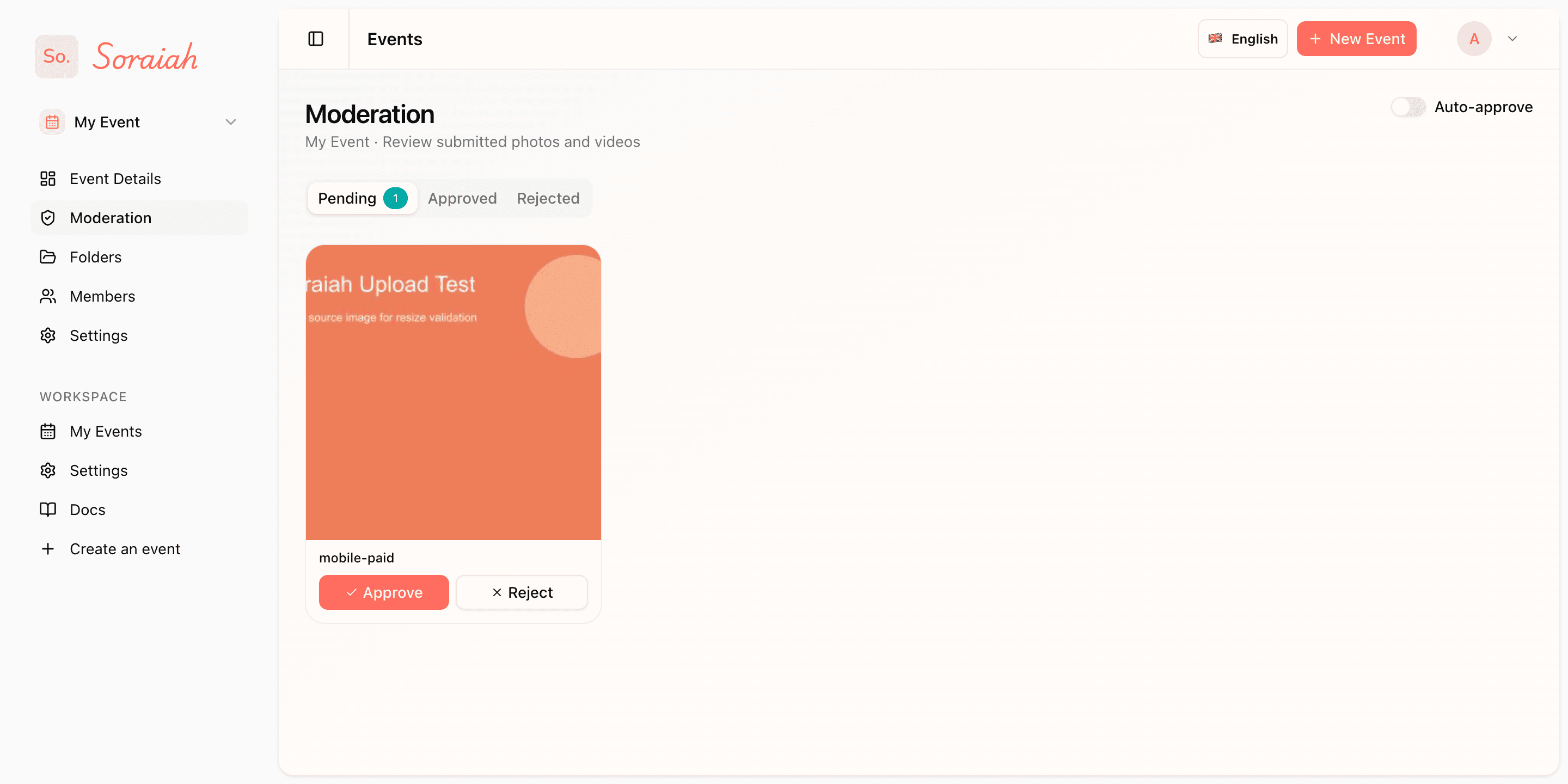
Keep the moderation queue open during service so one operator can quickly review new uploads before they appear on the main screen.
Step 4: Approved moments power the live wall
Once approved, the same event can feed the live display. The screen becomes more than a slideshow. It becomes a shared pulse for the room, especially during dinner, speeches, and photo booth moments.
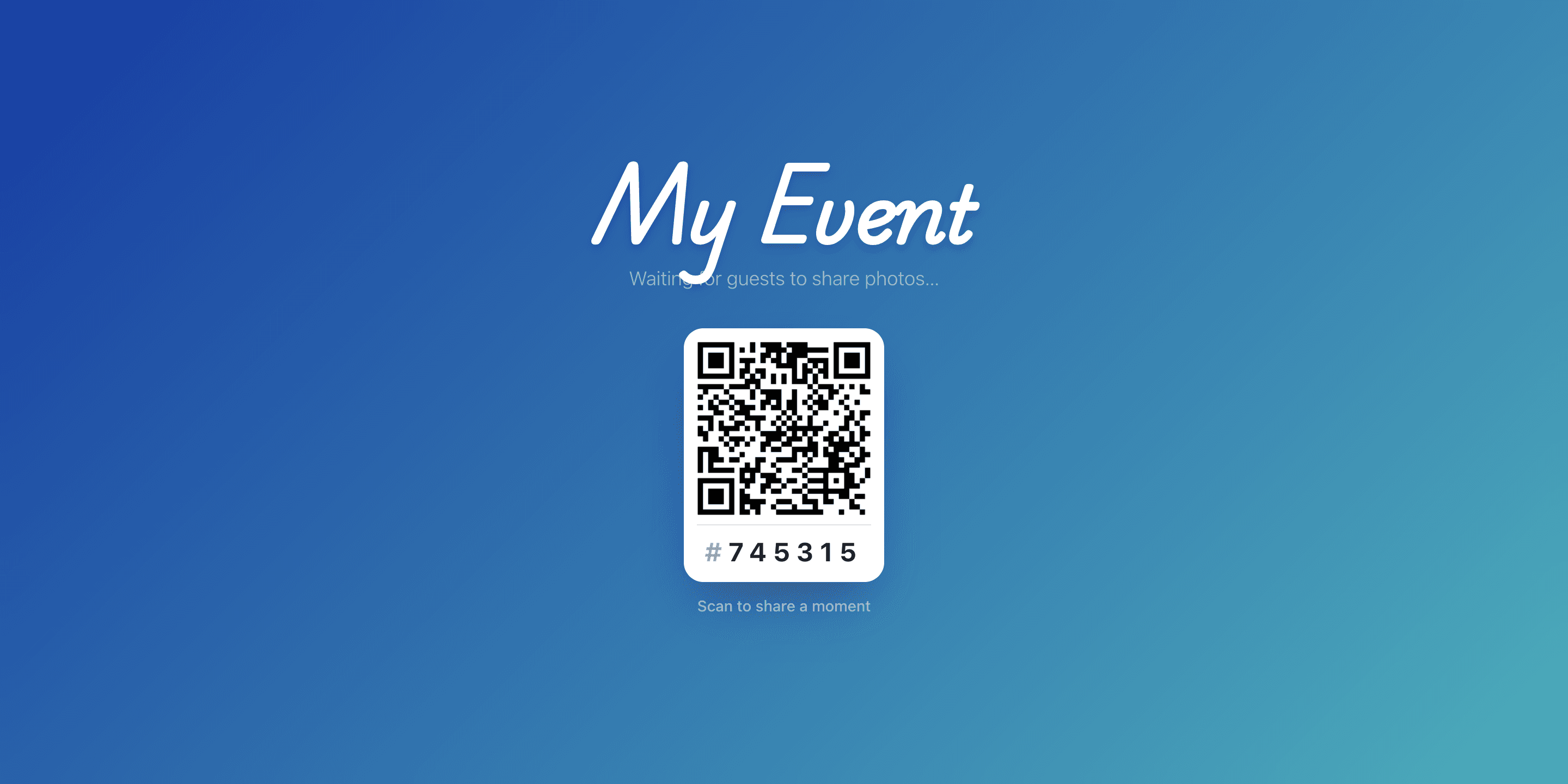
The live display works best once the first few approved moments are already flowing, so the screen feels active as guests look up.
What to prepare before guests arrive
- Print the QR code large enough for quick scanning.
- Keep one team member responsible for moderation.
- Open the display screen before the reception begins.
See the full guest-facing flow in the wedding demo or review plan options on pricing.