SHARE MOMENTS LIVE. TOGETHER.
Create a warm, shared-event vibe where every guest feels included; Soraiah turns moments into live memories, giving you effortless engagement, control, and a screen that feels alive all night long.
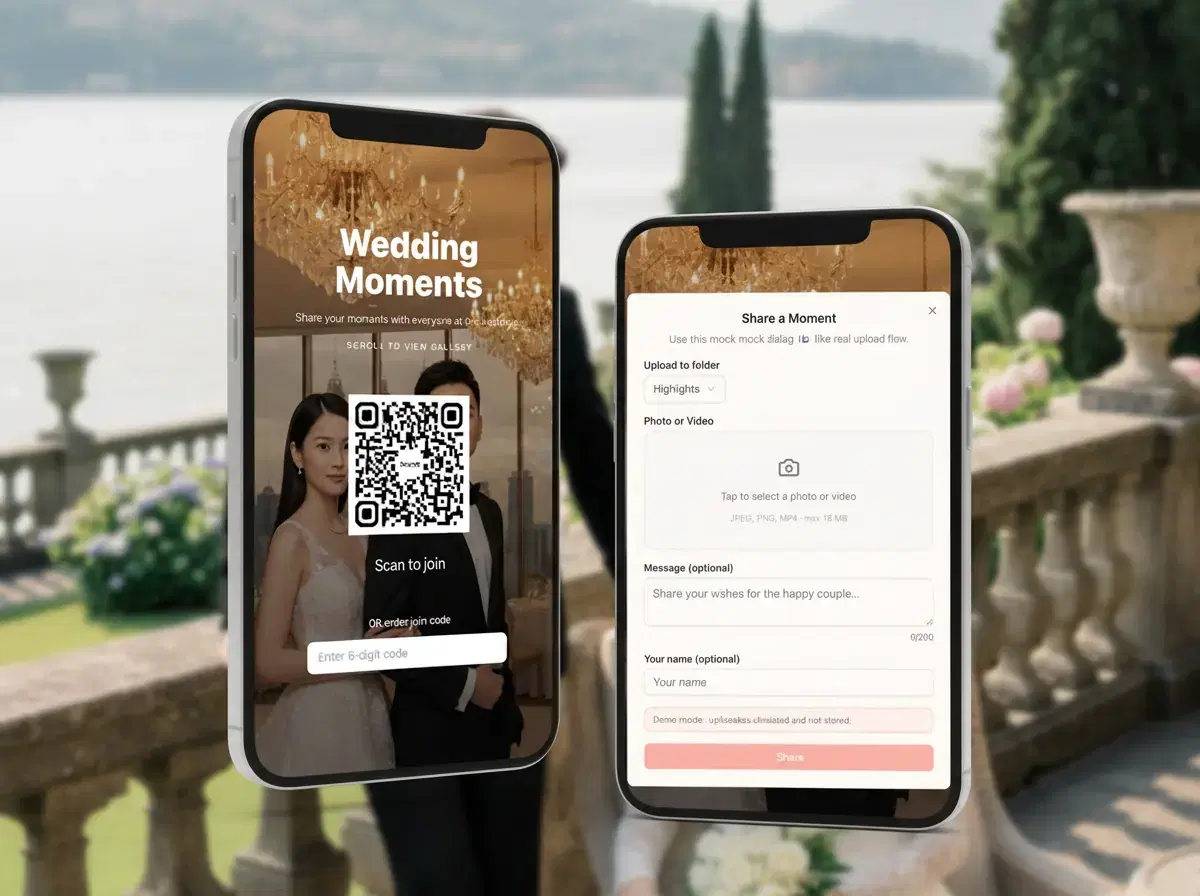
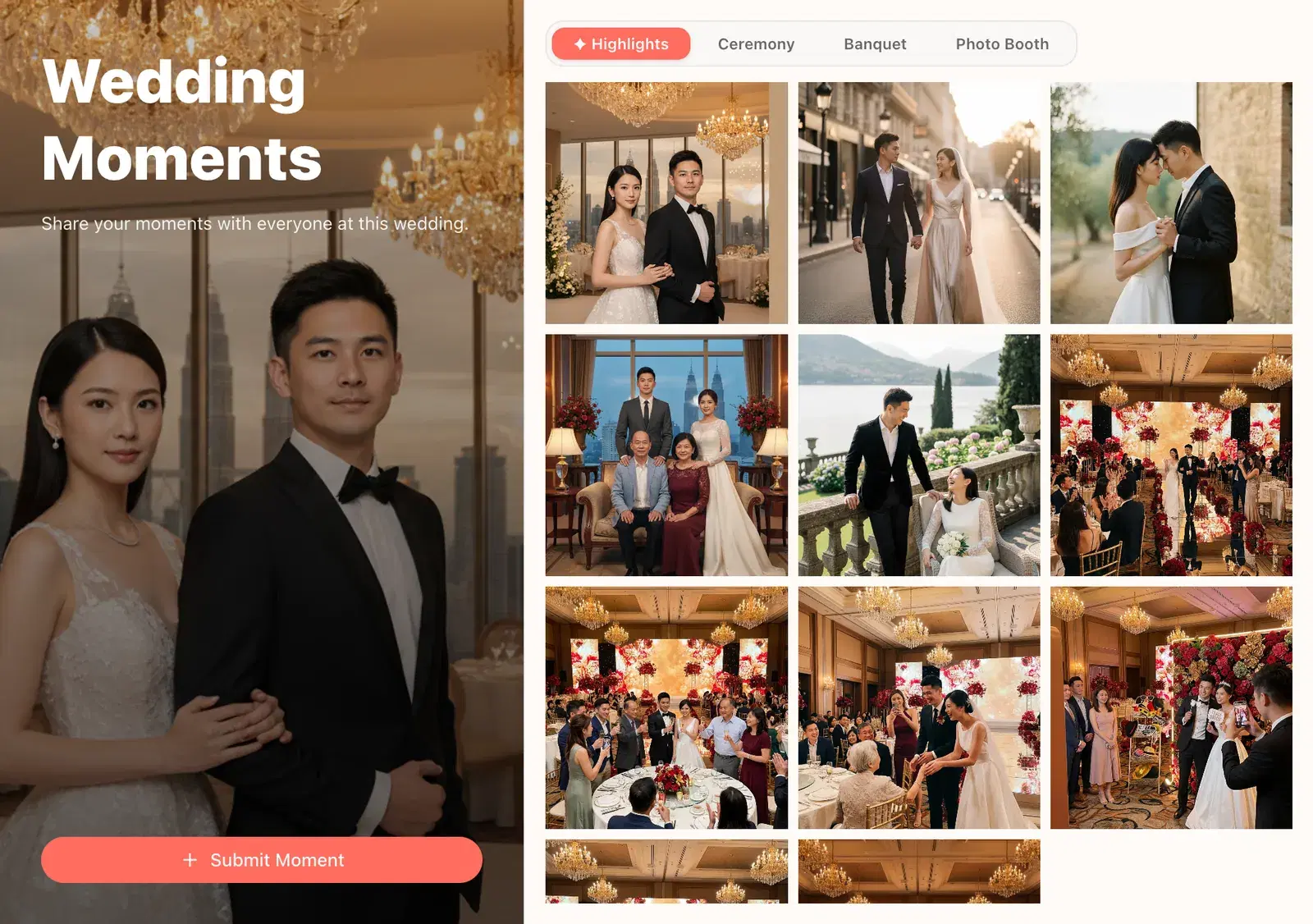
Built for event formats across Southeast Asia
Guests join fast. Hosts stay in control. The room stays alive.
Soraiah keeps the product story simple: upload, moderate, display. No side flows and no app install.
QR
Guests scan a code or enter a join code
MOD
You approve what makes it to the screen
LIVE
The display updates the moment you approve
How it works
How the event flow works
Three steps, one product story, no extra explanation needed.
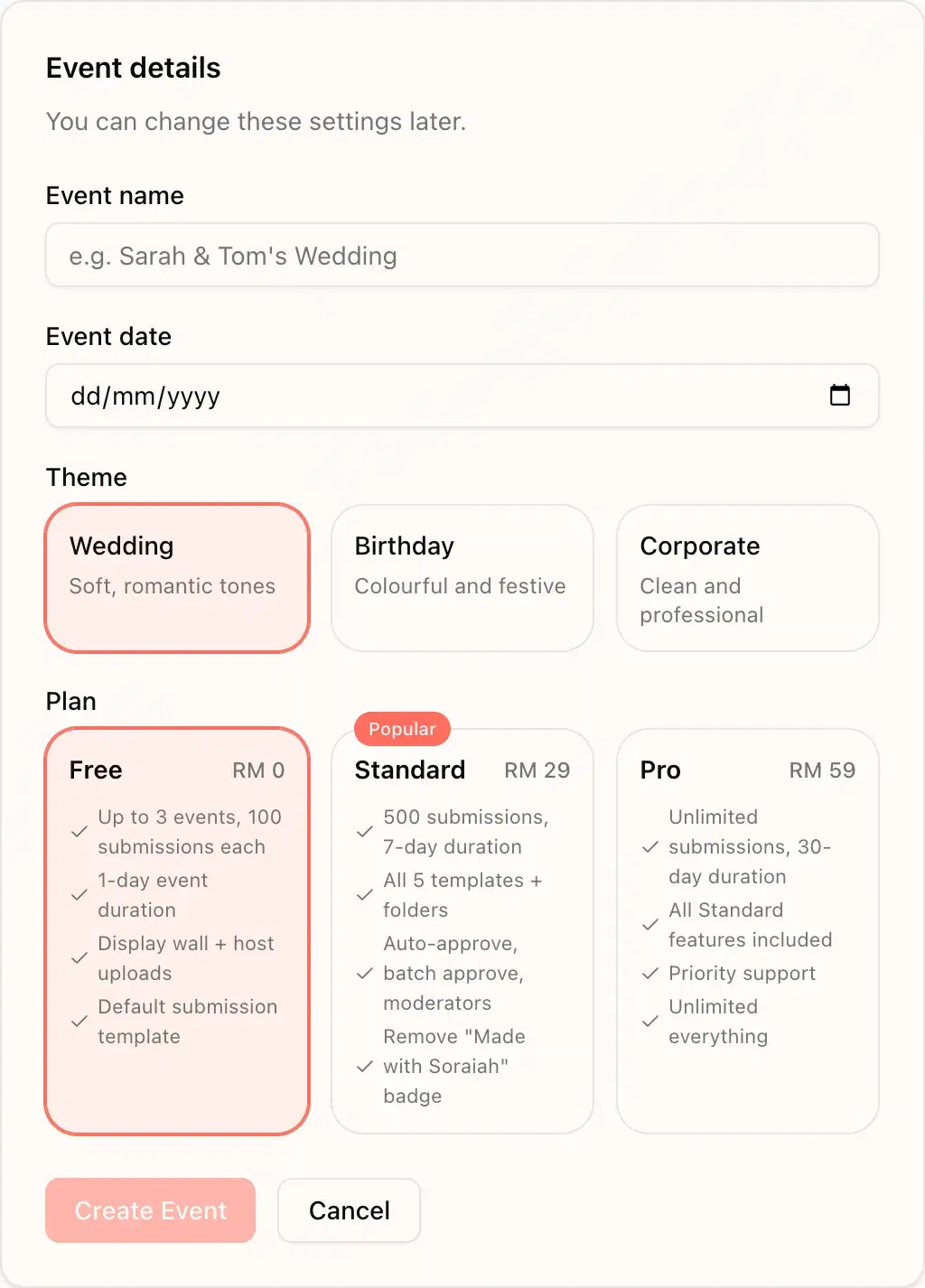
Set the wall before event start
Enter the event title and generate the room QR in minutes.
- Select the date
- Choose the event type
Let guests contribute from their phones
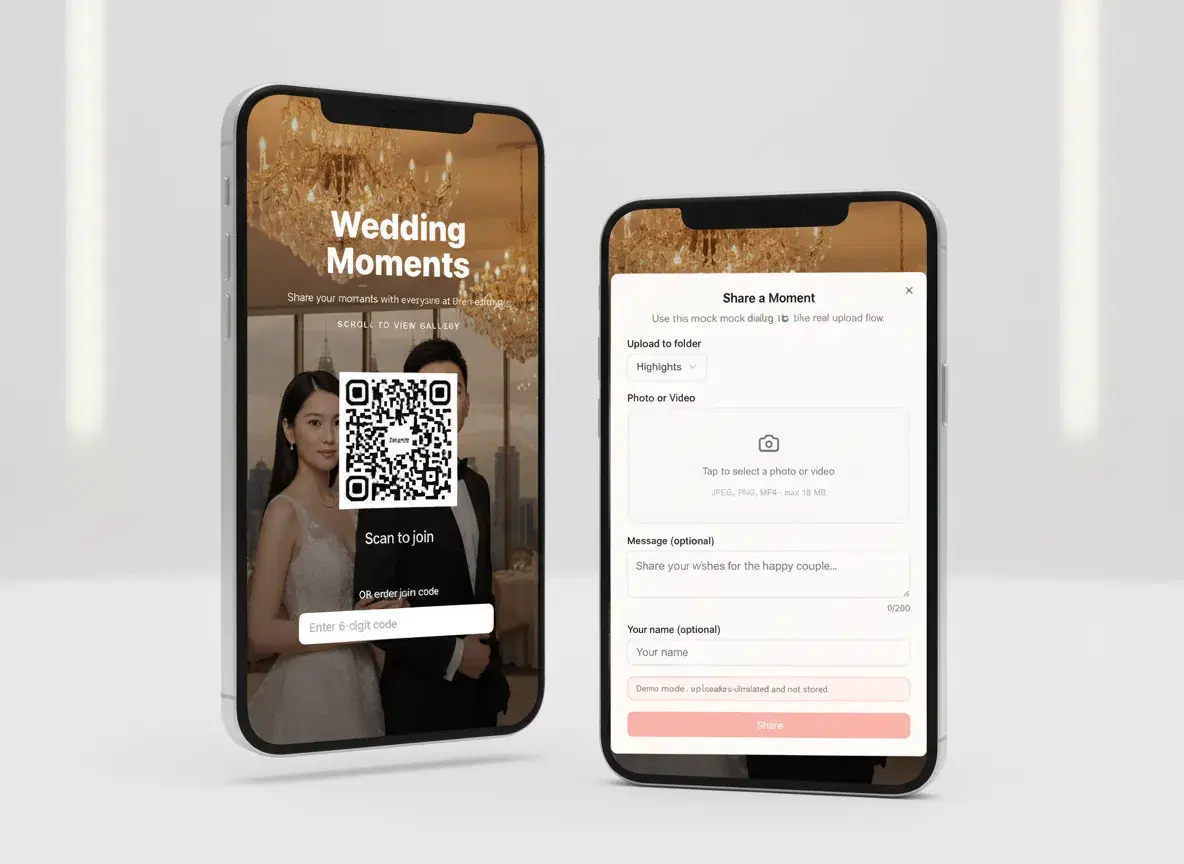
They scan, upload, and move on. No app download, no account creation, and no complicated handoff.
- QR-first guest flow
- Photo uploads
- Optional guest message
Keep the big screen clean and lively
Review what comes in, approve the best moments, and project a wall that feels curated instead of chaotic.
- One moderation queue
- Fullscreen display mode
- Smooth live refresh
Use cases
One product, tuned for different rooms
This section shows where the product flexes for each event format while keeping the same simple host flow.
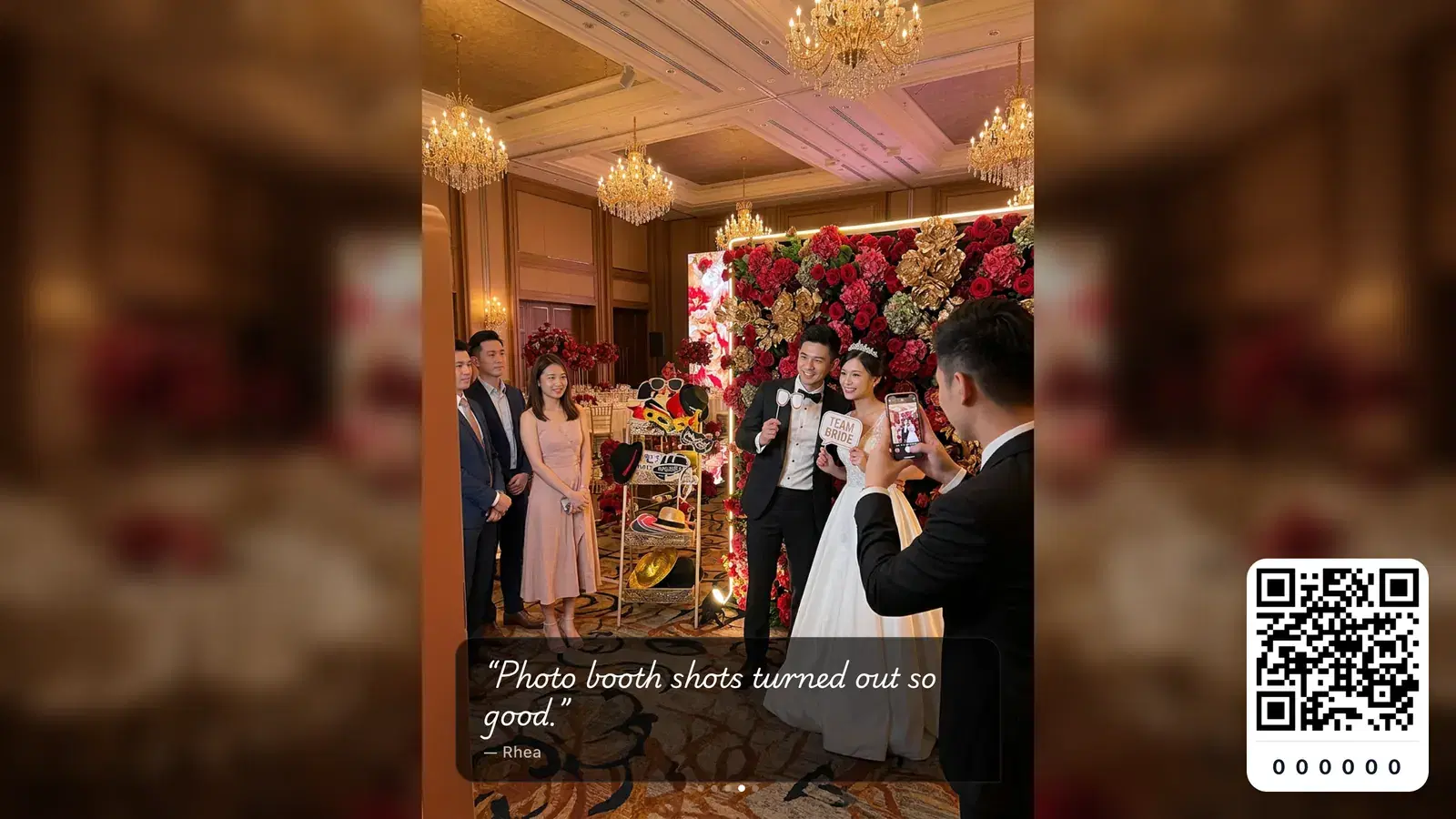
Make every guest feel included
Collect table-side moments without asking guests to join another group chat.
Wedding deep dive
See the wedding-specific page
Open the SEO landing page tailored to couples, planners, banquet teams, and QR-led guest sharing.
Essentials
Everything the host needs, without filler
Soraiah helps you collect, review, and show event moments live without adding extra tools around the core flow.
Guests join in seconds
QR code or join code, then straight into upload. No app install.
Theme and branding control
Set the wall look once so the display feels intentional in the room.
Moderation built in
Approve or reject by default, then unlock auto-approve on Standard and Pro.
Display ready for TVs
Open one browser link and run the wall fullscreen on a projector or TV.
Host dashboard history
See active, upcoming, and completed events from one place.
Quick setup, flexible room formats
Works for intimate dinners, banquet halls, and corporate townhalls.
Why switch
Why hosts switch from the old way
The real comparison is not feature bloat. It is whether the room experience stays smooth.
| What matters on event day | Soraiah | WhatsApp Groups | Google Photos |
|---|---|---|---|
| Guests can join without downloading anything | ✓ | Limited | Varies |
| You can moderate before content appears | ✓ | Not designed for this | Not designed for this |
| The room gets a proper big-screen display | ✓ | Not designed for this | Limited |
| Phone numbers stay out of the flow | ✓ | Not designed for this | Sometimes |
Operational fit
Built for real venues, not just a product demo
Designed for phones, tablets, TVs, and projectors
Guest uploads support photos and videos up to 10 MB
Display links are hard to guess and separated from moderation access
Simple one-time event pricing
Start free, then upgrade only when you need more submissions, folders, or advanced controls.
Free: up to 3 events, 100 submissions each
Standard: 500 submissions, folders, all 5 templates, and advanced moderation
Pro: unlimited submissions with all Standard features included
FAQ
FAQ
The practical questions hosts ask before they put this on a real screen.
Do guests need to install an app?+
No. Guests scan a QR code or enter a join code and upload from a mobile web page.
What if venue Wi-Fi is weak?+
Uploads depend on the venue connection, so it is worth testing the room network during setup just like you would test audio and projection.
Can I moderate before anything appears?+
Yes. You can review pending submissions first, and only approved items show on the display wall.
How do I show it on a TV or projector?+
Open the dedicated display link in a browser and switch to fullscreen. The wall updates live as you approve content.
How long do events stay open?+
Free events run for 1 day, Standard for 7 days, and Pro for 30 days.