Use A QR Code For Wedding Pictures Without Turning It Into Another App Problem
Print one wedding QR code, place it on tables or signs, and let guests upload their pictures in seconds while the best moments appear on a moderated live wall.
Scan to join
Guests upload directly from a wedding QR sign
No app
Nothing to install before contributing
One wall
All pictures flow back into one wedding experience
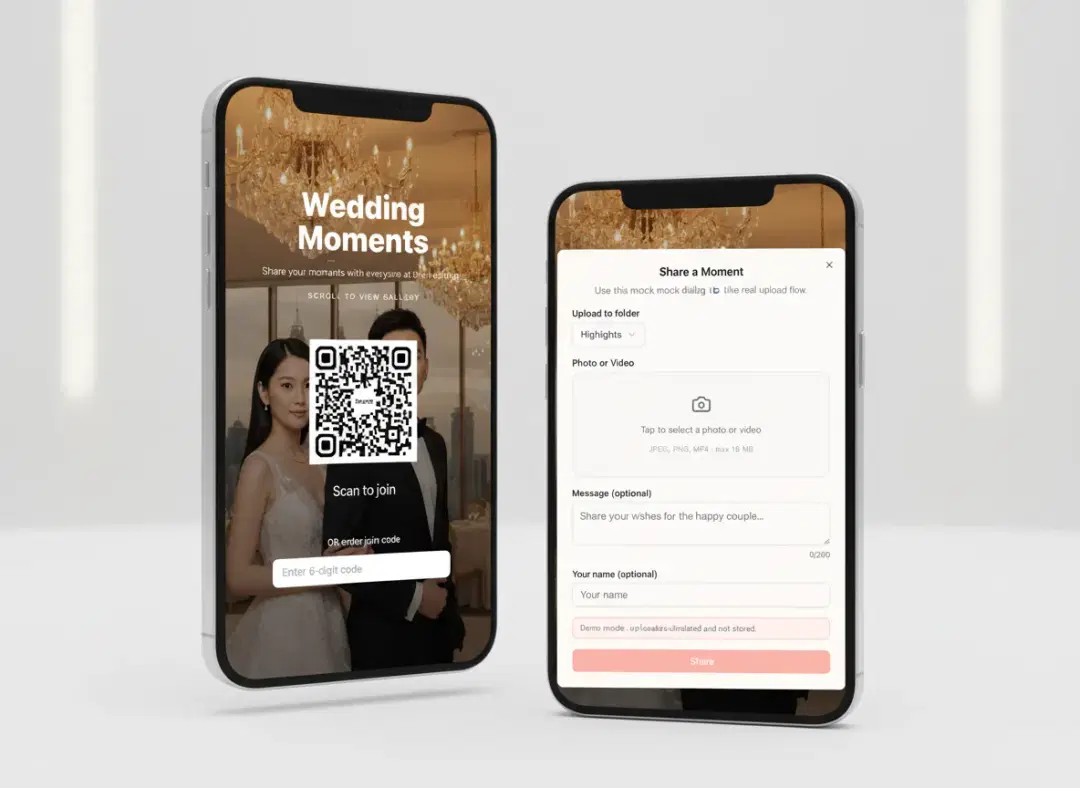
At the venue
The QR card removes the awkward part because guests do not need to ask where to send the pictures.
Typical Soraiah wedding QR setup

Why QR works for weddings
Wedding guests share more when the instruction is as simple as scan and upload
Most guests will not search for a link, remember a long URL, or install another app during a wedding. A visible QR card on each table removes that friction and turns the collection step into something people actually do.
Perfect for table cards and welcome signs
Put the QR code on banquet tables, entrance boards, or booth signs so the upload action is always nearby.
Faster than passing links around
Guests do not need to type anything complicated or ask where the photos should go.
Works during ceremony, banquet, and photo booth
The same wedding QR flow can stay active across different parts of the event.
How it works
Three steps from printed QR sign to wedding picture wall
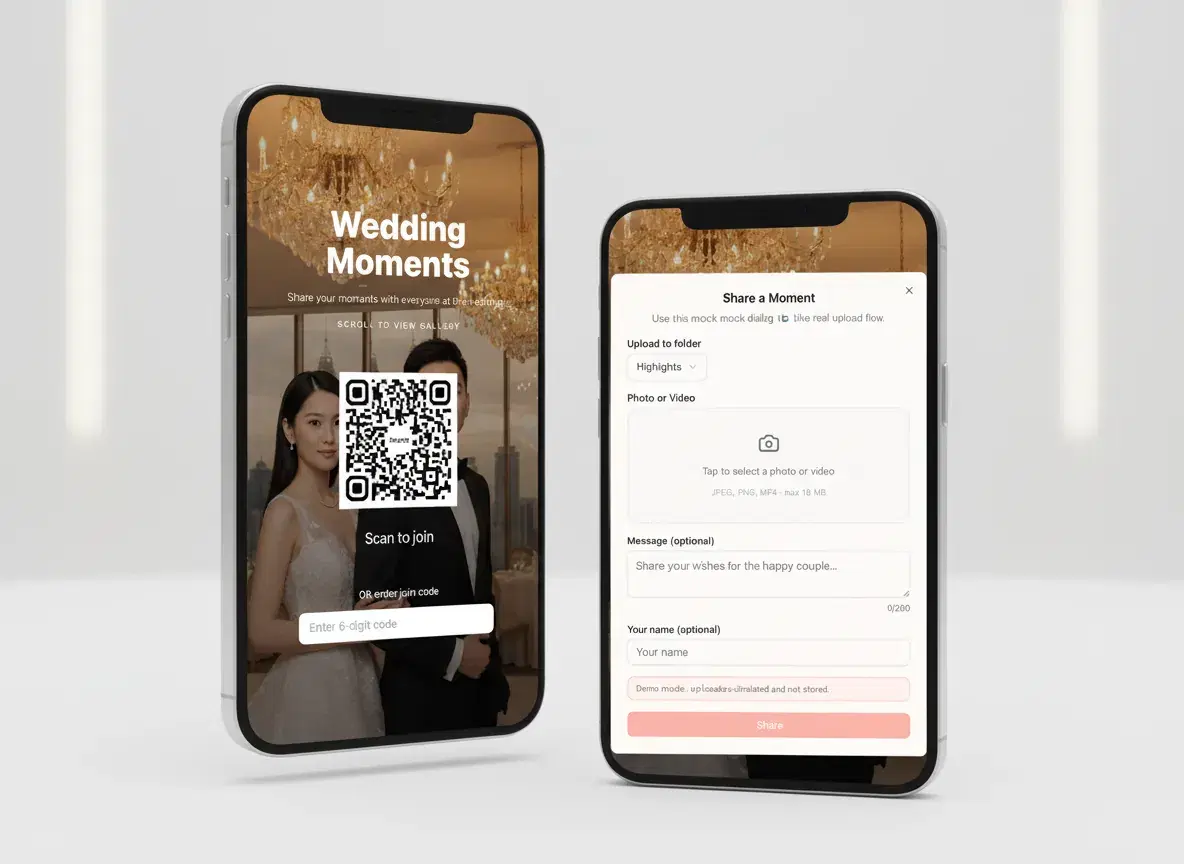
Generate the wedding QR code
Set up the event and prepare one QR code that guests can scan from signs, table cards, or booth areas.

Let guests scan and upload instantly
Guests open the upload page straight from their camera, add a photo or short message, and continue enjoying the wedding.
Collect, review, and display the best pictures
The host or planner keeps the flow organised and decides what reaches the shared screen.
What makes the QR flow work
Everything needed for QR-based wedding photo collection
A printable QR code for every guest touchpoint
Use one QR on tables, welcome boards, and printed signage so guests always know how to join.
No app download required
Guests move from camera scan to upload page in one lightweight mobile-web step.
One event link behind the QR
All guest pictures return to the same wedding flow instead of splitting across links or chat threads.
Moderation when needed
Review uploads before showing them on the live wall if you want a tidier wedding screen.
Live display for the ballroom or booth
Turn uploaded guest pictures into something the whole room can see in near real time.
Easy for planners to deploy
The QR format is simple to brief, simple to print, and simple to place around the venue.
At the venue
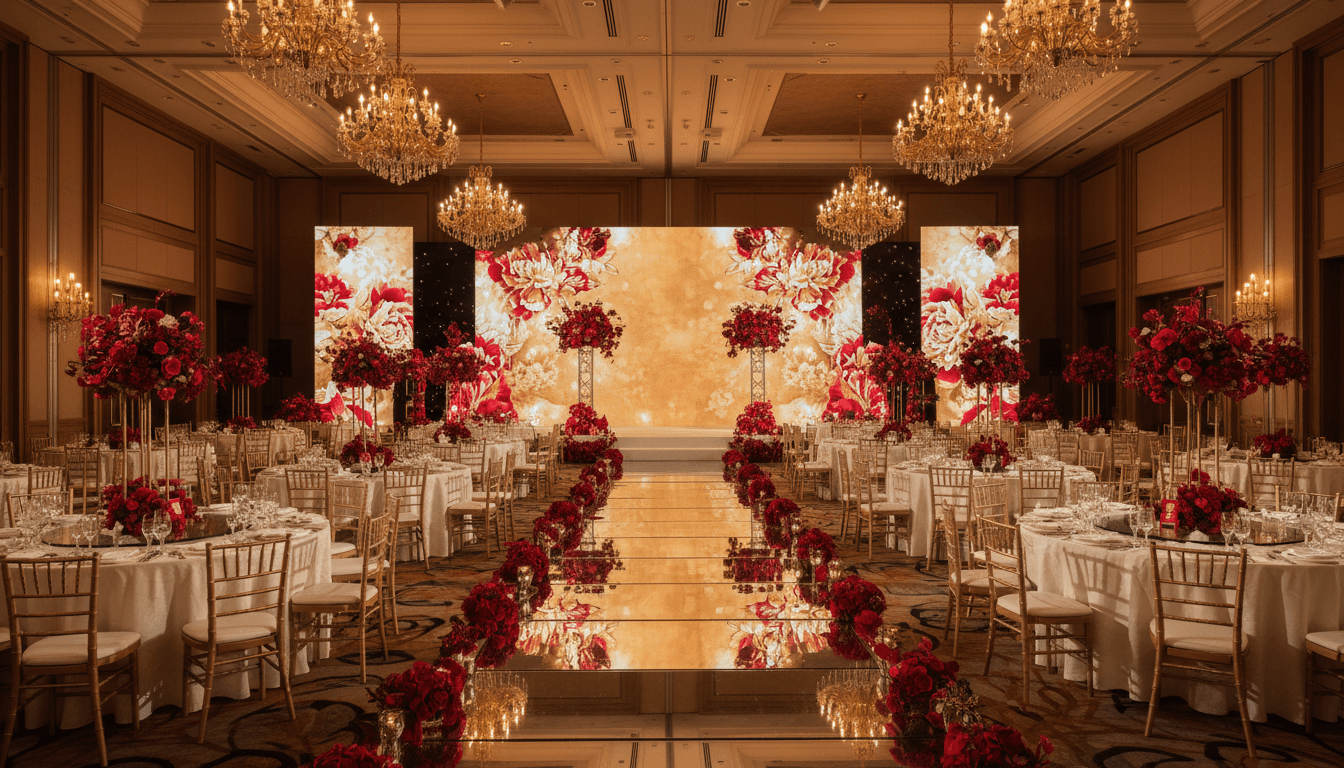
Best for banquet tables, entrance signs, guestbook corners, and photo booth stations
The strongest wedding QR setups are visible, repeated, and frictionless. Once guests know one simple action, they participate more naturally throughout the event.
Why not the old way
A wedding QR flow works better than asking guests to search for links or remember what to do later
| When collecting wedding pictures | Soraiah | Shared links | Chat groups |
|---|---|---|---|
| Guests can act immediately from a visible sign | Limited | Messy | |
| No app install is required | No | No | |
| The host can moderate before display | No | No | |
| Pictures stay tied to one wedding collection flow | Delayed | Messy |
QR wedding FAQ
Questions couples and planners ask about wedding QR codes
Can I print the QR code on table cards or signs?+
Yes. That is one of the best use cases because it keeps the upload instruction visible throughout the venue.
Do guests need to install anything after scanning?+
No. They scan the code and continue straight into the mobile upload page.
Will all guest pictures go to the same event?+
Yes. The QR points to one event flow so photos remain grouped in one place.
Can we show the uploaded pictures on a screen too?+
Yes. The same event can power a live display wall for the ballroom, booth, or main screen.
Why use a wedding QR code instead of just sending a link?+
Because the QR is easier to notice and easier to act on in the room, which usually means more guests actually contribute.
Create a wedding QR flow guests can use in seconds
Start with a free event, print the QR on your signs or table cards, and turn guest pictures into one shared wedding stream.