The Wedding Photo Sharing App That Keeps Your Guests In The Story
Let guests scan one QR code, upload their photos from the table, and watch the best moments appear on a live screen without asking anyone to install an app.
QR-first
Guests join from their phones in seconds
Moderated
You stay in control before anything appears
Live wall
Approved moments land on the big screen instantly

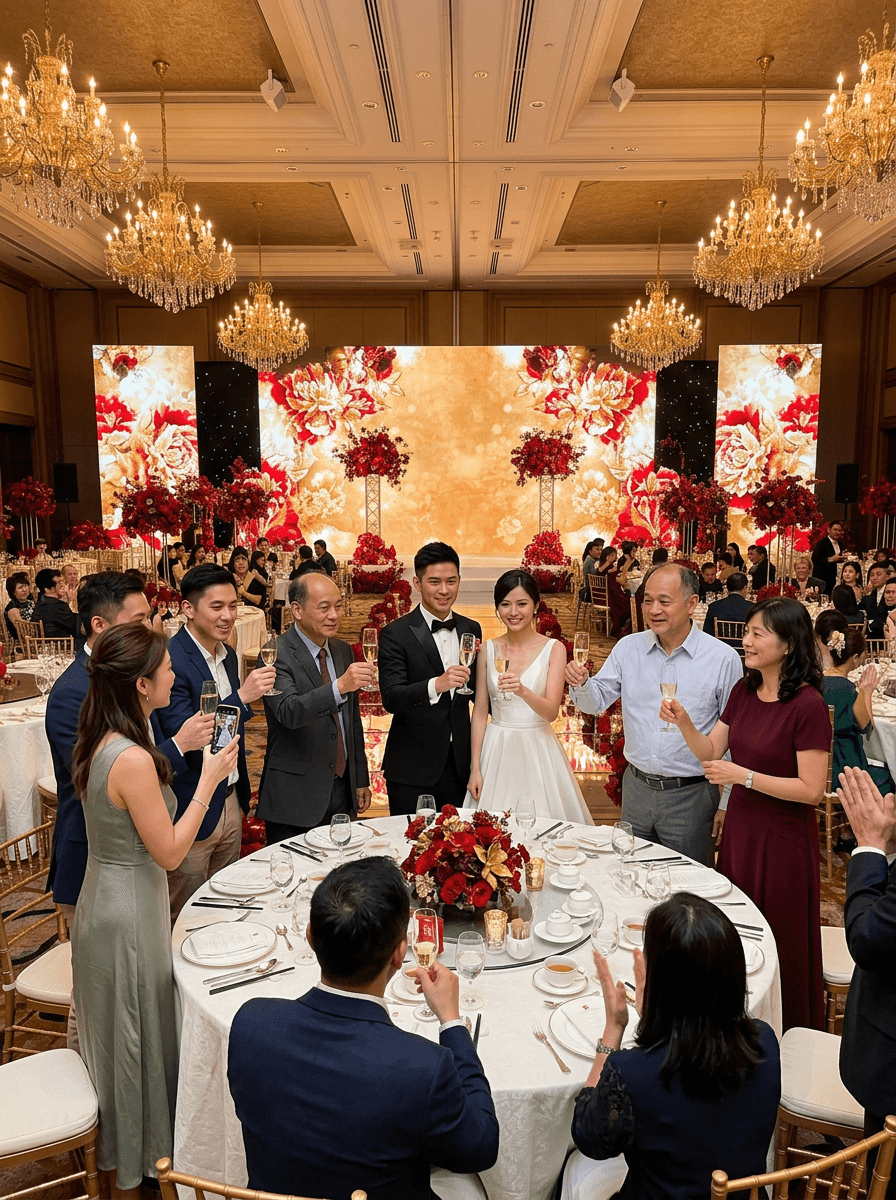
In the venue
It feels less like a tool and more like part of the wedding atmosphere when the screen updates with real guest moments.
Typical Soraiah wedding setup
Why it fits weddings
Wedding energy drops when the room has nothing to do between moments
Guests arrive early, wait between ceremony beats, or sit through a banquet course with their phones full of candid shots. Soraiah gives those moments a simple job: scan, upload, and help the room feel alive together.
Built for table-by-table sharing
Use printed QR cards so every guest can contribute without needing instructions from the emcee.
Cleaner than chat groups
Photos, wishes, and reactions stay inside one event flow instead of getting lost across WhatsApp threads.
Made for the ballroom screen
Run a live wall during arrival, banquet, photo booth, or after-party without switching tools.
How it works
Three steps from invitation card to big-screen moment

Set up your wedding wall
Create the event, choose your wedding styling, and generate the QR code before the day begins.

Let guests upload naturally
Guests scan the QR from their seats, share photos and short wishes, and go right back to the celebration.
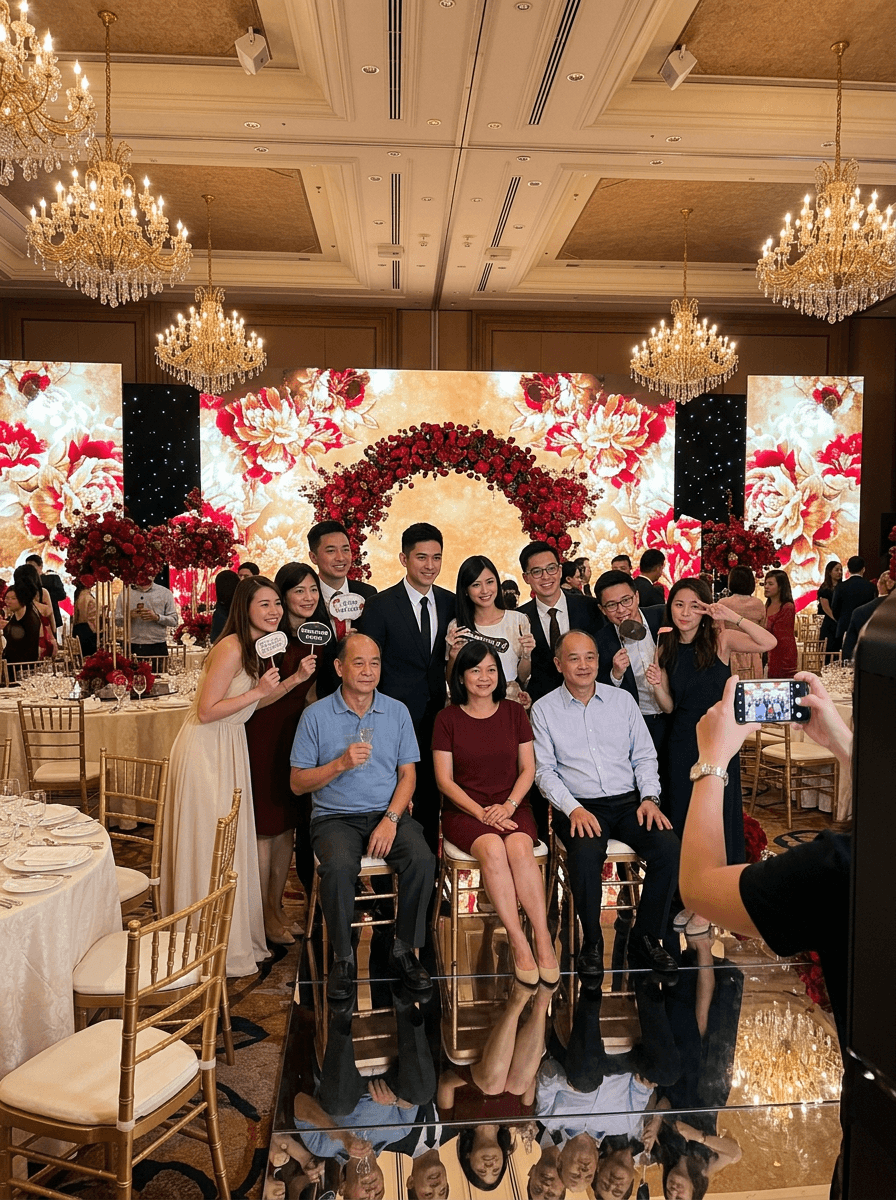
Approve and display the best moments
You or your planner reviews submissions, keeps the wall tidy, and sends the best photos straight to the screen.
What hosts need
Everything needed for a smooth wedding photo-sharing flow
QR code access for every table
Place the code on table cards, welcome boards, or booth signage for fast guest participation.
No app download for guests
Guests join from mobile web, which lowers friction for family, older relatives, and casual attendees.
Moderation before the screen
Review uploads before they appear so the live wall stays elegant during the event.
Folders for ceremony, banquet, and booth
Keep the wedding day organised when you need cleaner post-event handover and downloads.
Display wall for projector or TV
Open the display link on a venue screen and let approved content refresh throughout the night.
Theme-ready styling
Choose a wedding-friendly visual treatment so the guest wall feels intentional in the room.
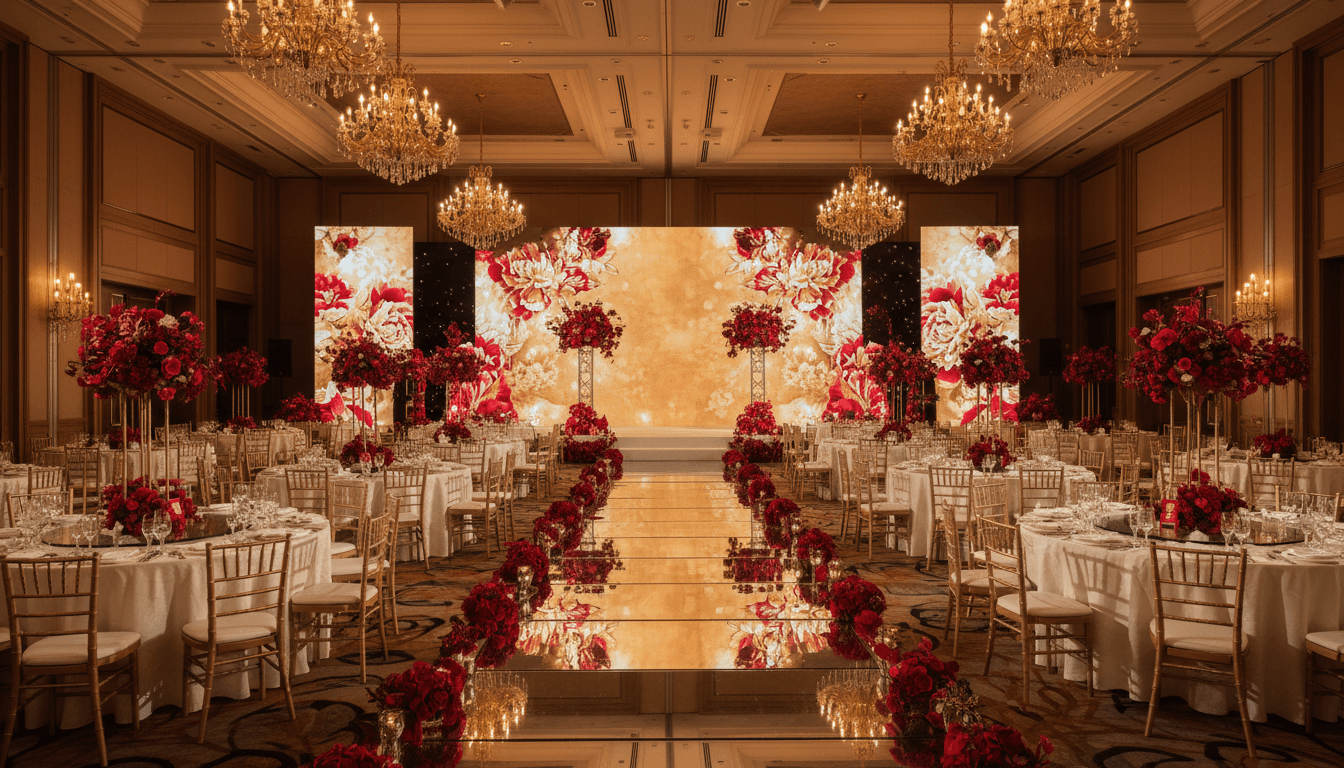
In the venue
Designed for the moments between arrival, dinner, toasts, and booth lines
The strongest wedding setups keep the guest flow simple: one QR, one upload page, one moderated wall. That is enough to collect candid photos while adding something visible back into the room.
Why not the old way
A wedding wall works better than asking guests to dump everything into chats or shared albums
| On wedding day | Soraiah | WhatsApp groups | Shared albums |
|---|---|---|---|
| Guests can join without app install | Limited | Limited | |
| You can moderate before showing anything | No | No | |
| The room gets a proper live display experience | Messy | Usually delayed | |
| Messages and photos stay attached to the event itself | Messy | Limited |
Wedding FAQ
Questions couples and planners ask first
Do guests need to download an app?+
No. Guests scan the QR code or open the event link in their mobile browser and upload from there.
Can we moderate before photos appear on the screen?+
Yes. You can review submissions first so the display wall stays tidy and on-theme during the wedding.
Can this run during banquet and photo booth sessions?+
Yes. The same event can stay active across ceremony, banquet, and booth moments as long as your plan covers the event duration.
How do we show it on a ballroom screen?+
Open the display link in a browser on the venue laptop, TV, or projector feed and switch to fullscreen mode.
Is this better than asking guests to send photos later?+
Usually yes, because guests share while the energy is still high and the room immediately sees the best moments together.
Create a wedding guest wall that feels part of the celebration
Start with a free event, test the QR flow, and see how quickly the room turns into a shared photo stream.