The Corporate Event Photo Sharing App Built For Cleaner, More Controlled Rooms
Give teams and guests an easy way to share event moments while keeping moderation, display quality, and brand-safe control in the hands of the organiser.
Controlled
Moderation keeps the room on-brand
Simple join
Guests use QR or join code without extra setup
Screen-ready
Approved uploads turn into a live wall for launches and internal events

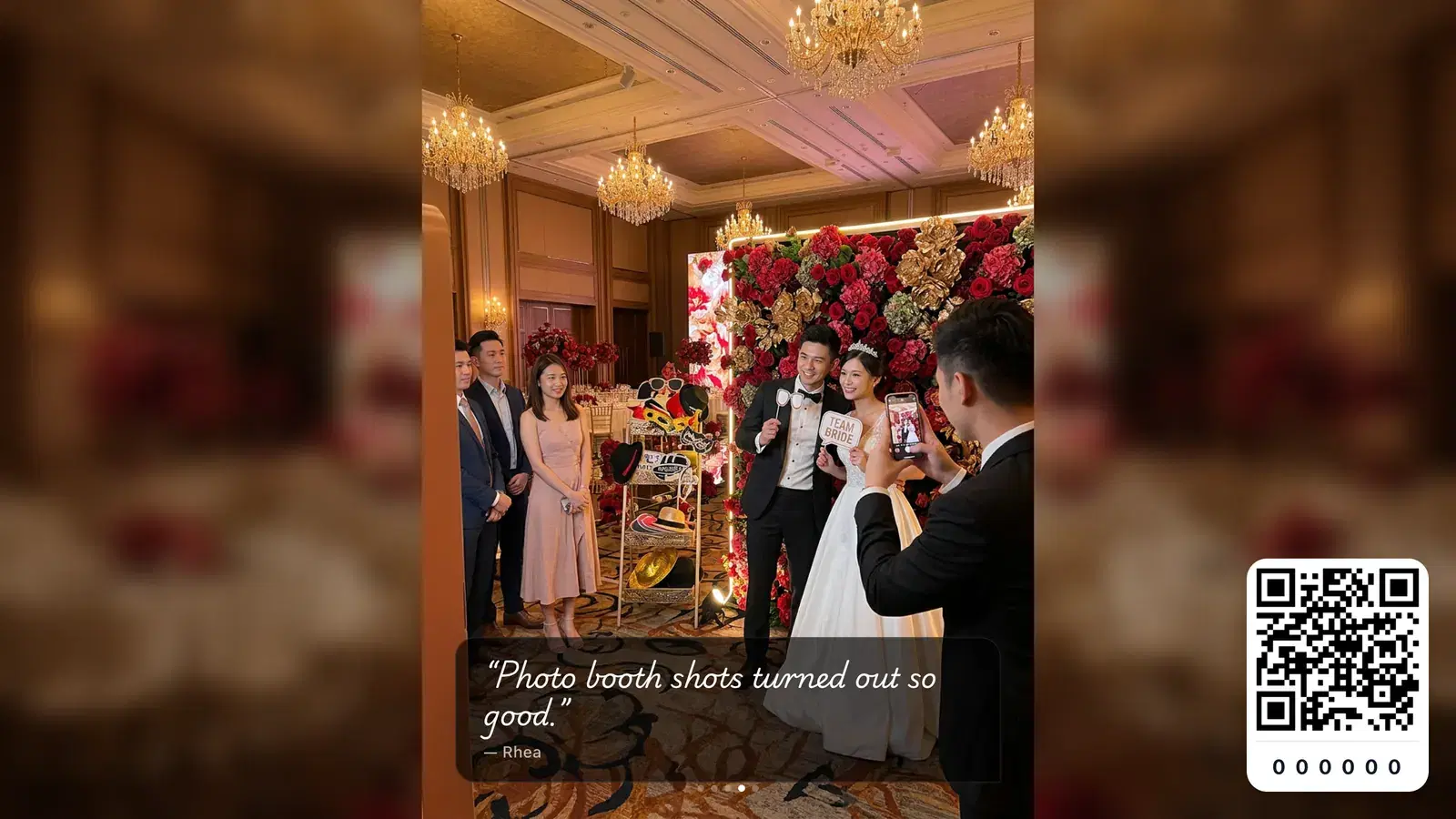
In the room
It creates visible participation without making the room feel unmoderated or messy.
Typical Soraiah corporate setup
Why it fits corporate events
Corporate rooms need guest participation without losing control of the screen
Company dinners, launches, town halls, and offsites all benefit from shared content, but most teams cannot afford chaotic uploads on a public display. Soraiah keeps participation simple while letting organisers stay selective.
Better for shared company spaces
The product works in hotel ballrooms, conference stages, awards nights, and internal event rooms.
Safer than open chat-style uploads
Moderation and controlled display links make it easier to keep the visible output aligned with the event.
Useful for internal and external audiences
The same flow can support employees, partners, clients, or invited attendees without asking them to install anything.
How it works
Three steps from setup link to moderated corporate wall
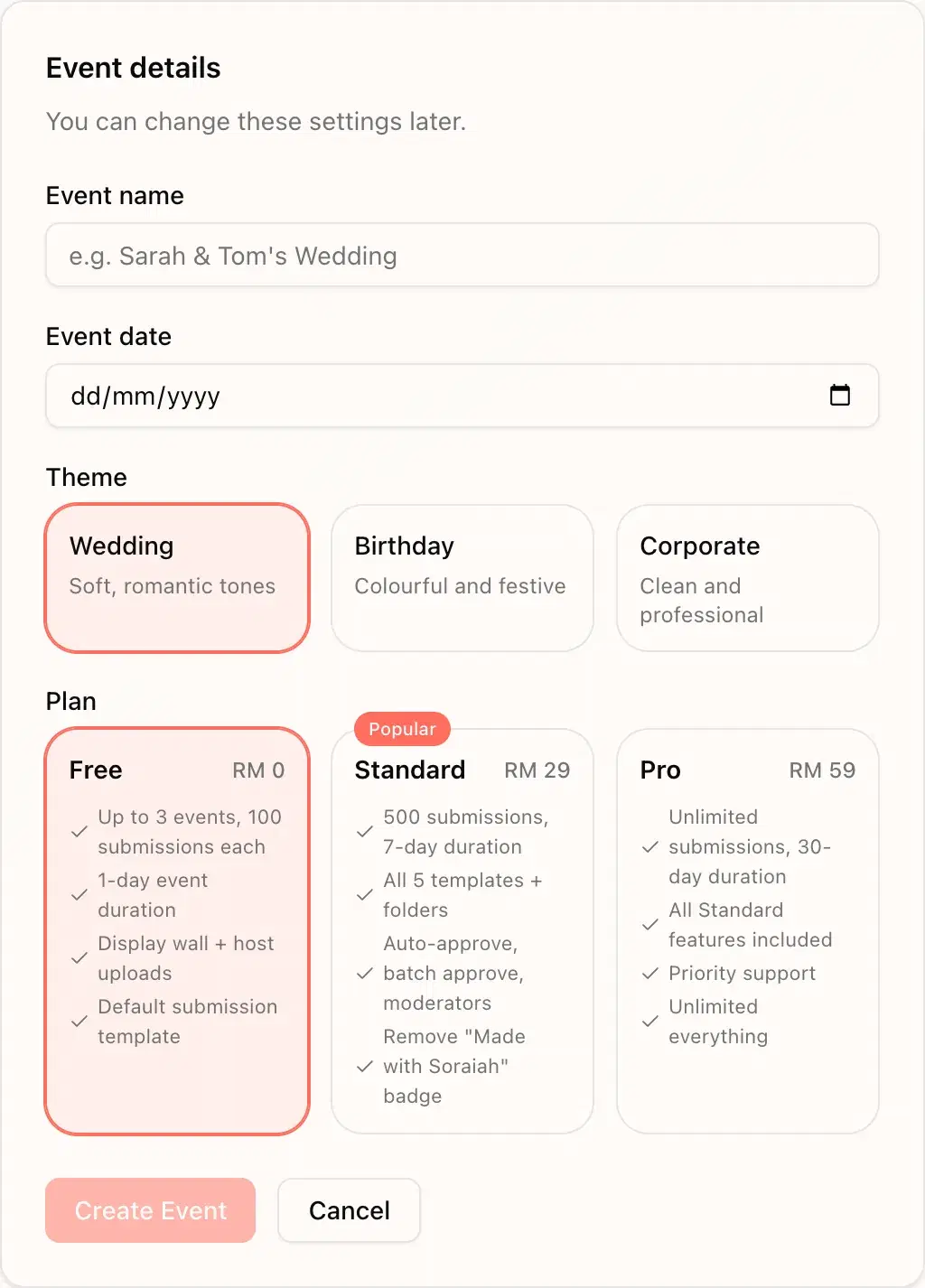
Set up the event before doors open
Create the event, choose the corporate theme, and prepare the QR or join flow before attendees arrive.
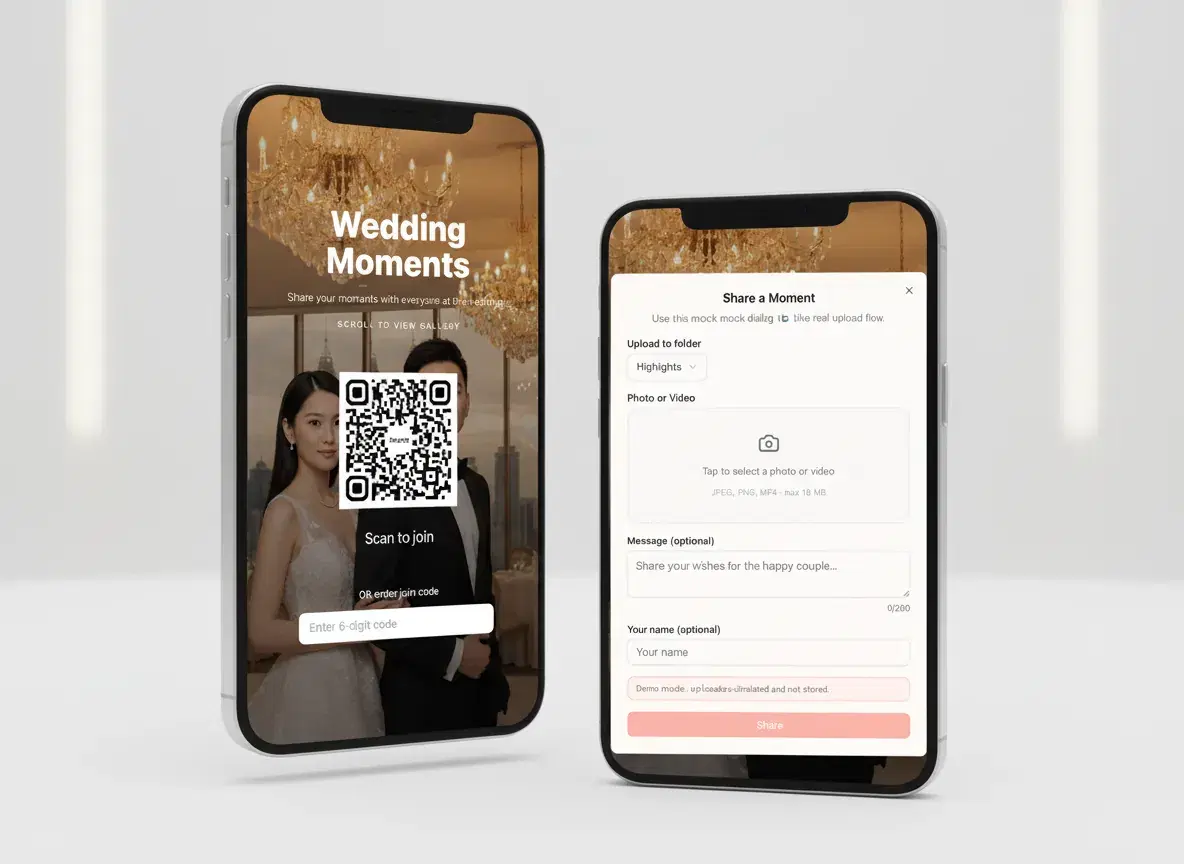
Let attendees share from their phones
Guests join quickly, upload photos, and contribute without being forced into a separate app or account setup.
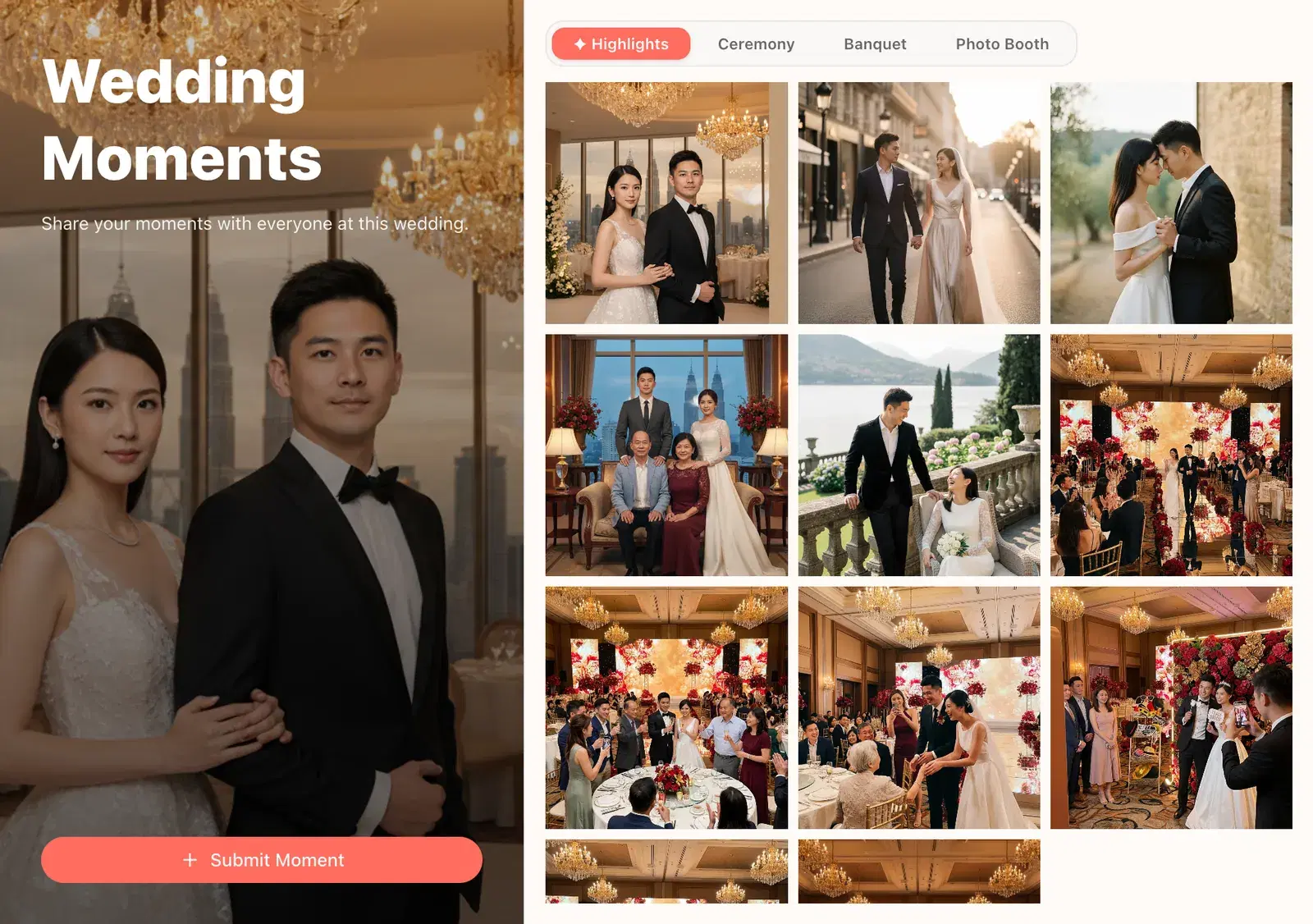
Approve what belongs on the main screen
The organiser reviews uploads and keeps the live wall useful, on-brand, and appropriate for the room.
What organisers need
Everything needed for corporate event photo sharing
QR and join-code friendly access
Use a poster, slide, or printed card so attendees know exactly how to contribute.
No app install for teams or guests
Web-based participation lowers friction for mixed audiences and one-off attendees.
Moderation before display
Keep the visible wall professional during launches, internal meetings, and client-facing events.
Display wall for large screens
Run the wall on projectors, venue TVs, or event control laptops without adding another device flow.
A cleaner brand-safe tone
Corporate styling makes the wall feel more deliberate and less like an informal social feed.
Useful across many event formats
Suitable for team celebrations, annual dinners, launches, conference booths, and internal activations.
In the room
Best for launches, internal celebrations, dinners, conference spaces, and branded activations
The value is not just collecting photos. It is giving the organiser a simple way to open participation while still controlling what appears on stage-facing or audience-facing screens.
Why not the usual way
A corporate live wall works better than open chat groups and loose shared albums
| In a corporate room | Soraiah | Chat groups | Shared albums |
|---|---|---|---|
| Attendees can join without app friction | Limited | Limited | |
| Organisers can moderate before showing content | No | No | |
| The screen experience feels event-ready | Messy | Delayed | |
| Participation stays easier to control | Messy | Limited |
Corporate FAQ
Questions event teams usually ask first
Do attendees need to install an app?+
No. They can scan the QR code or open the event link in a browser and upload from there.
Can we review content before it appears on the screen?+
Yes. That is one of the main benefits for corporate rooms where the display needs tighter control.
Is this suitable for internal events and public launches?+
Yes. The same core flow works for internal company events, partner functions, branded activations, and launch spaces.
Can this run on a projector or venue TV?+
Yes. Open the display link on the event screen source and let the live wall refresh as content is approved.
Why not just use a shared folder after the event?+
Because a shared folder does not create live in-room participation, and it offers much less control over how the content appears during the event itself.
Create a corporate wall that invites participation without losing control
Start with a free event, test the QR join flow, and use the live wall when you need a cleaner shared-screen experience.